
From your first login to better support
Follow practical tutorials with real screenshots from the current product. Find the task you want to complete, then work through its steps.
Start with registration54 illustrated tutorials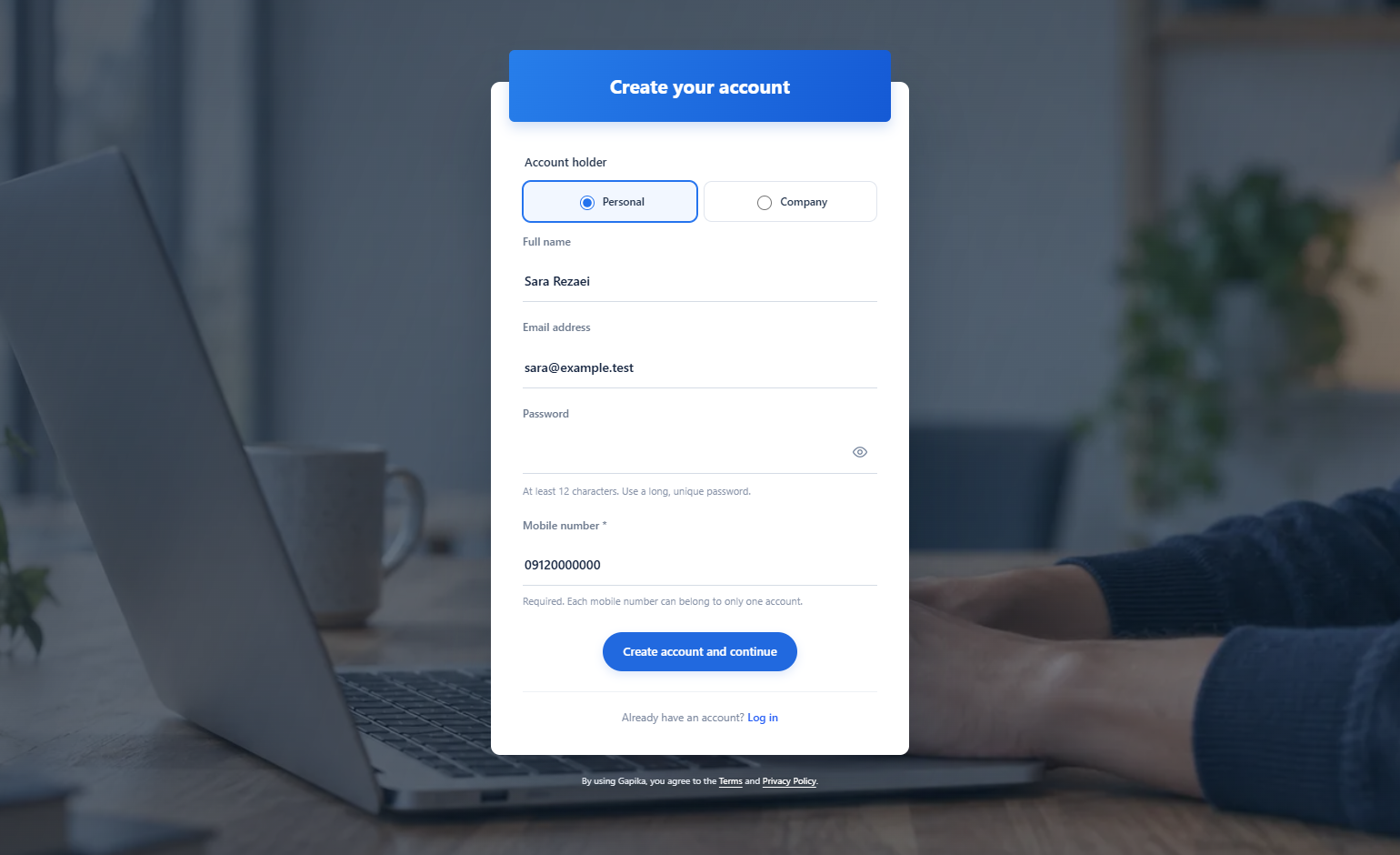
Create a personal or company account
Your account opens its own workspace. Personal/company registration does not select an enterprise installation.
Read the tutorial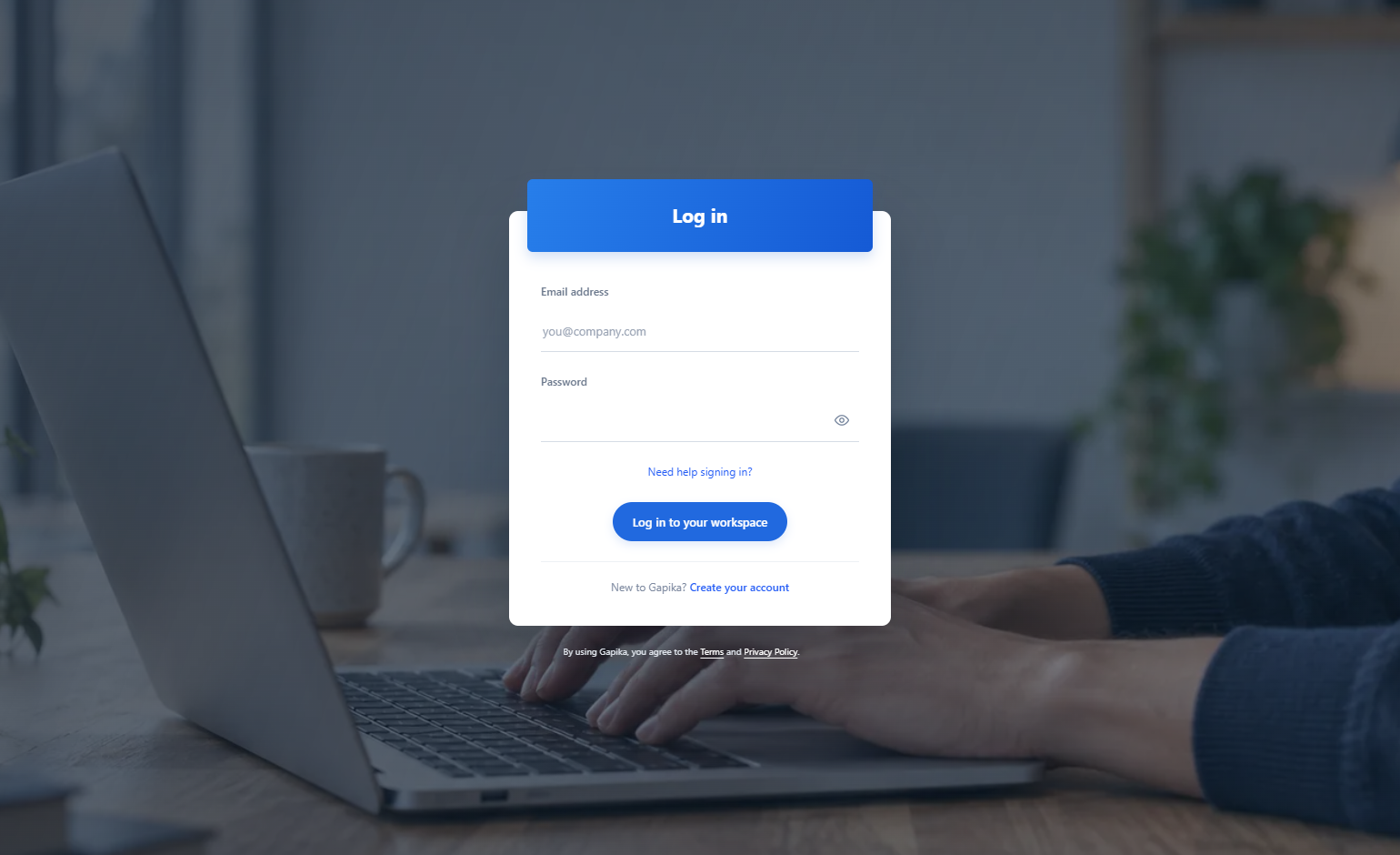
Sign in and recover access
You arrive at your workspace without creating another account.
Read the tutorial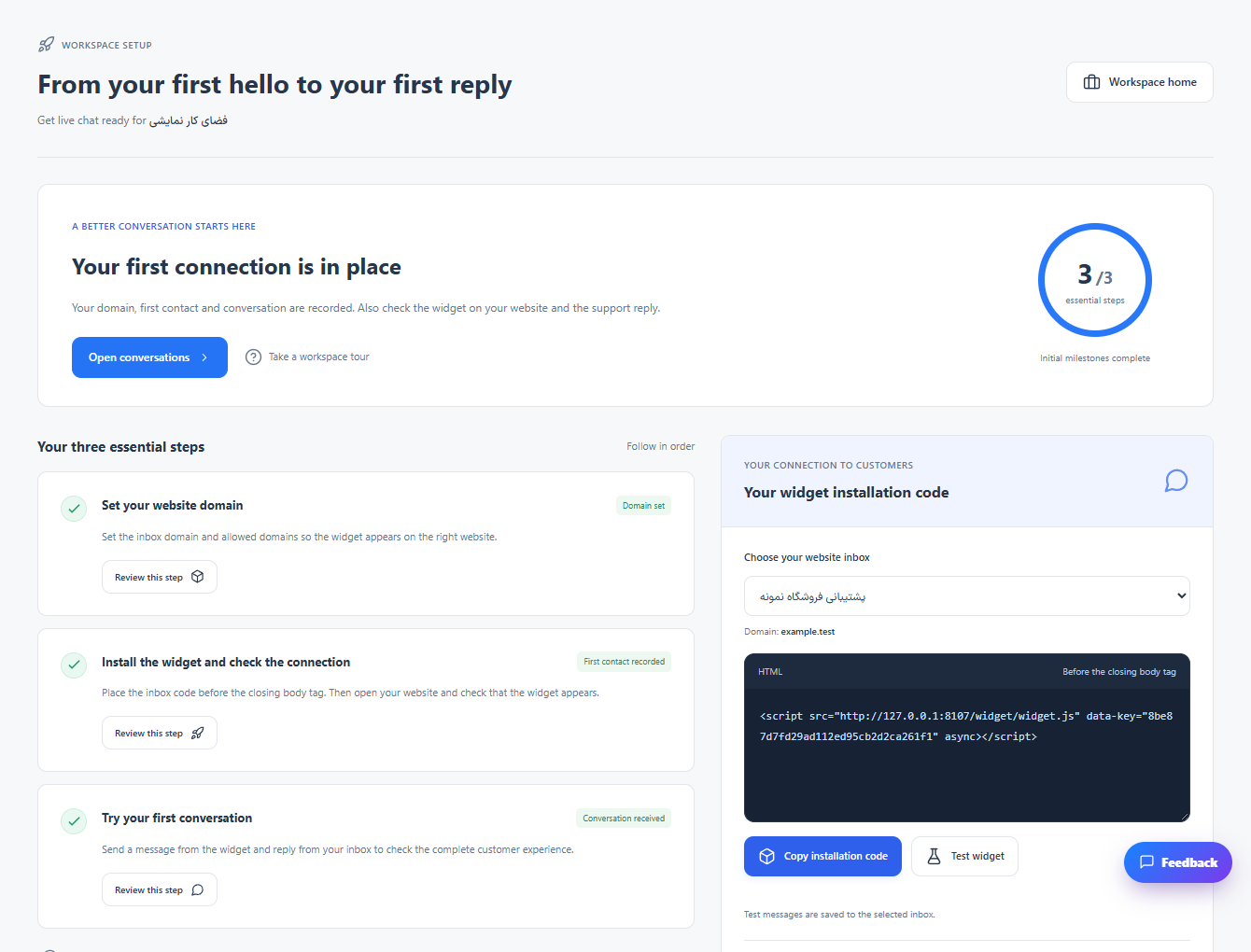
Complete the setup checklist
The checklist reflects actual setup and conversation activity.
Read the tutorial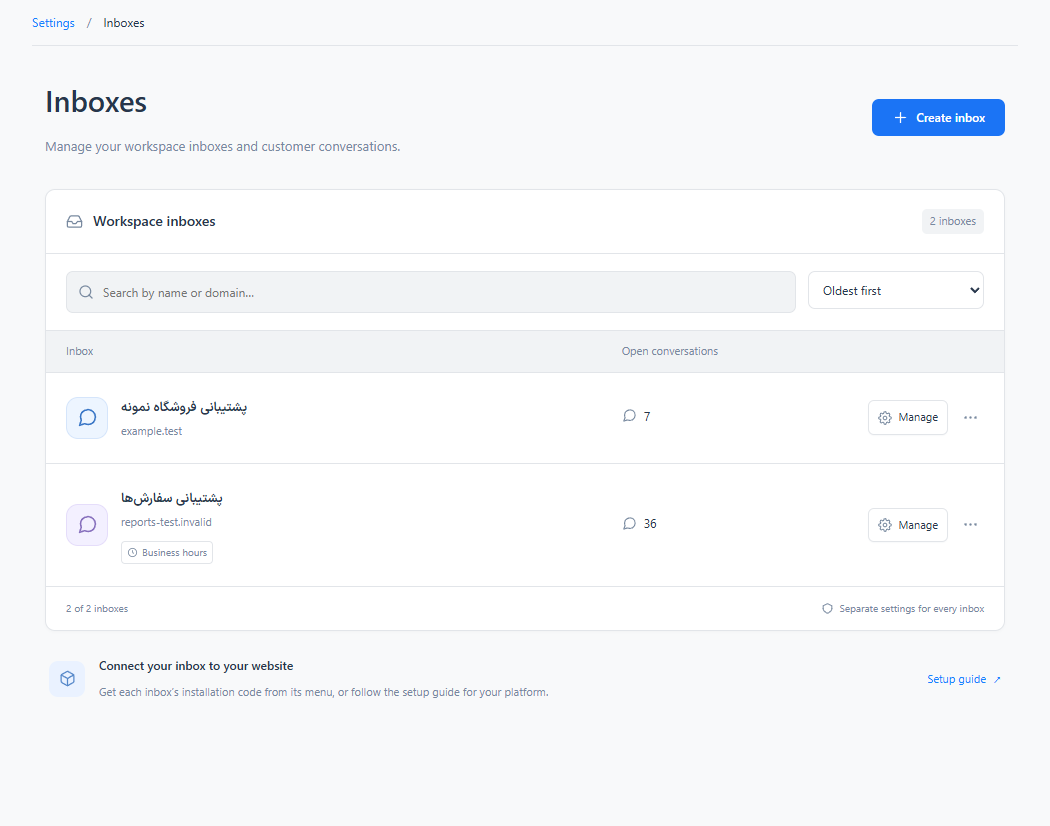
Create and manage inboxes
Each inbox keeps its own configuration while conversations remain accessible in the shared panel.
Read the tutorial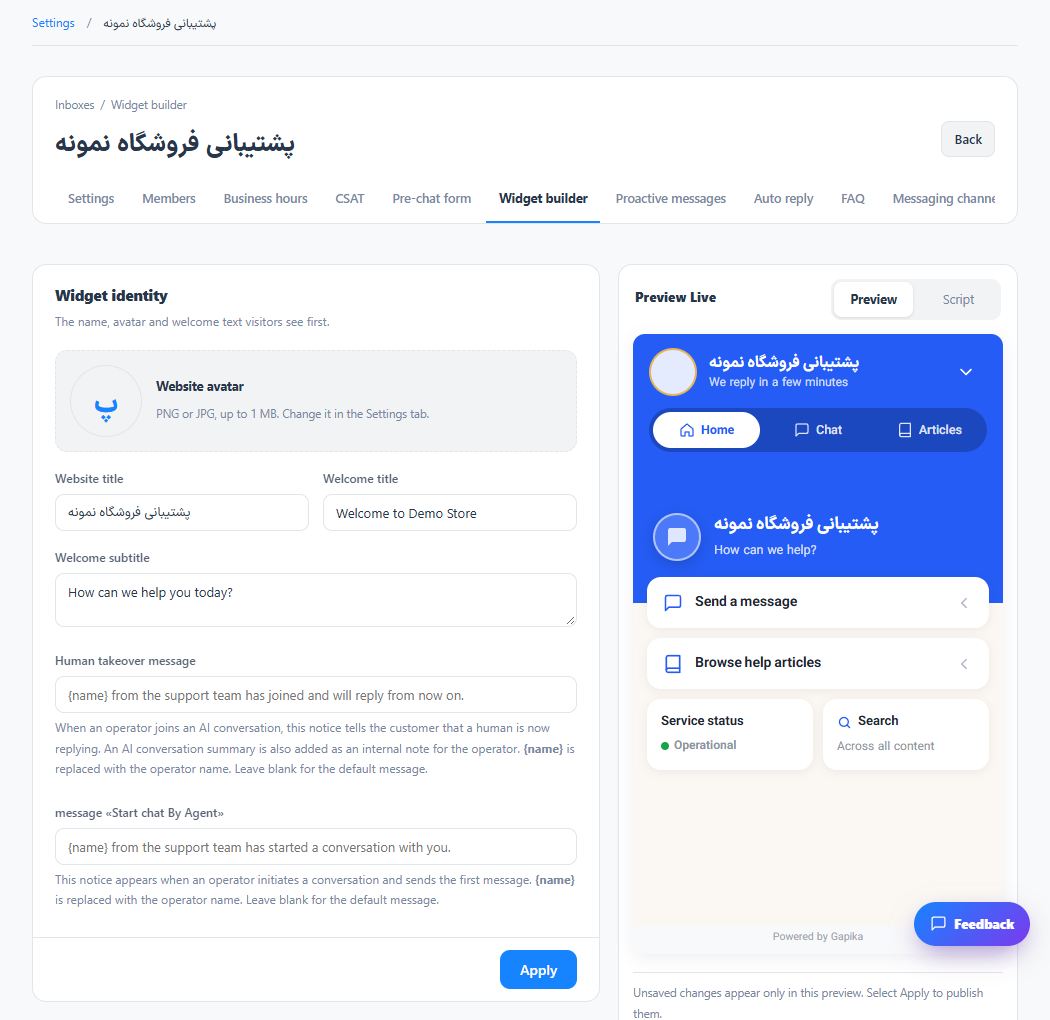
Customize the chat widget
Visitors see the saved widget appearance on the connected website.
Read the tutorial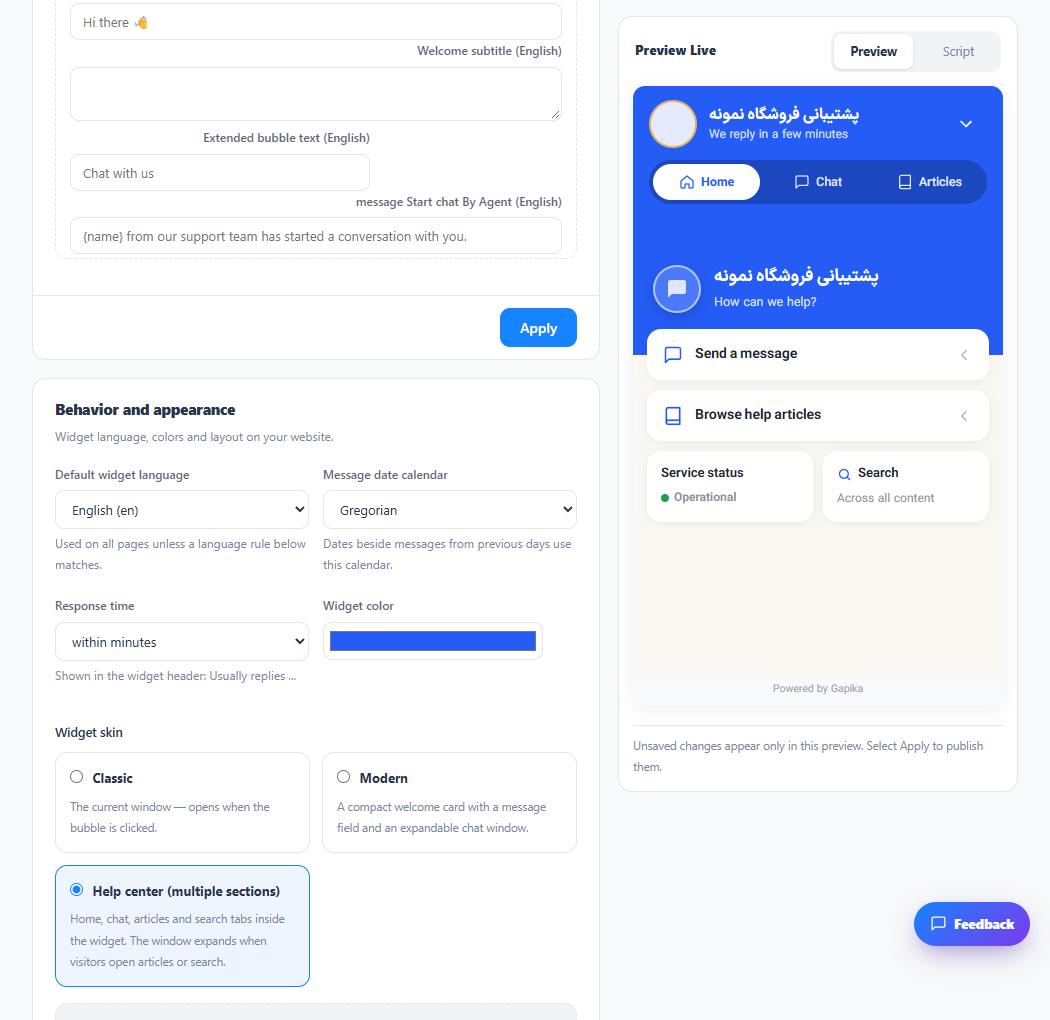
Set widget language and translated text
The widget uses the selected language; the operator panel language can be changed independently.
Read the tutorial
Collect details before a conversation
Operators receive the requested details with the new conversation.
Read the tutorial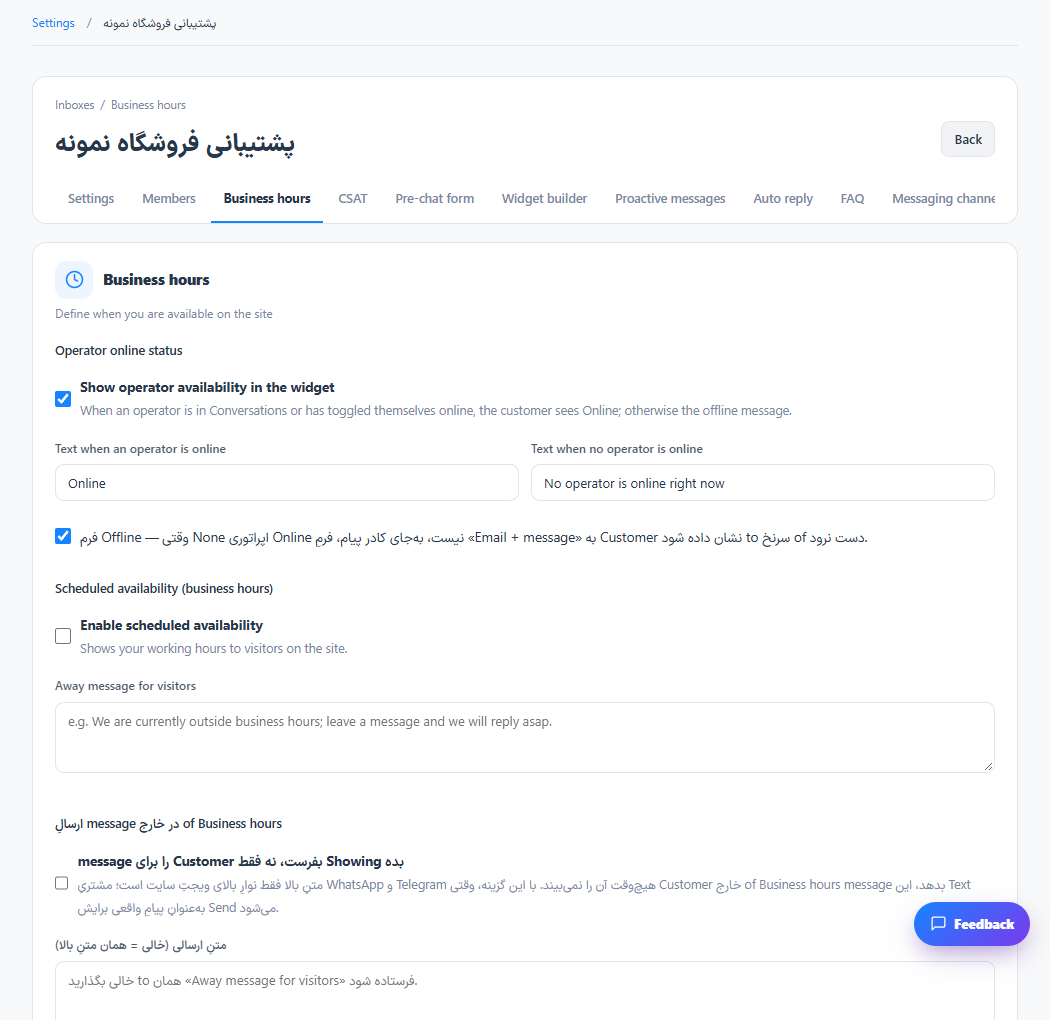
Set business hours and offline behavior
The inbox has an explicit working schedule for the widget and supported time-based rules.
Read the tutorial
Ask customers to rate support
Submitted ratings become available for customer satisfaction reporting.
Read the tutorial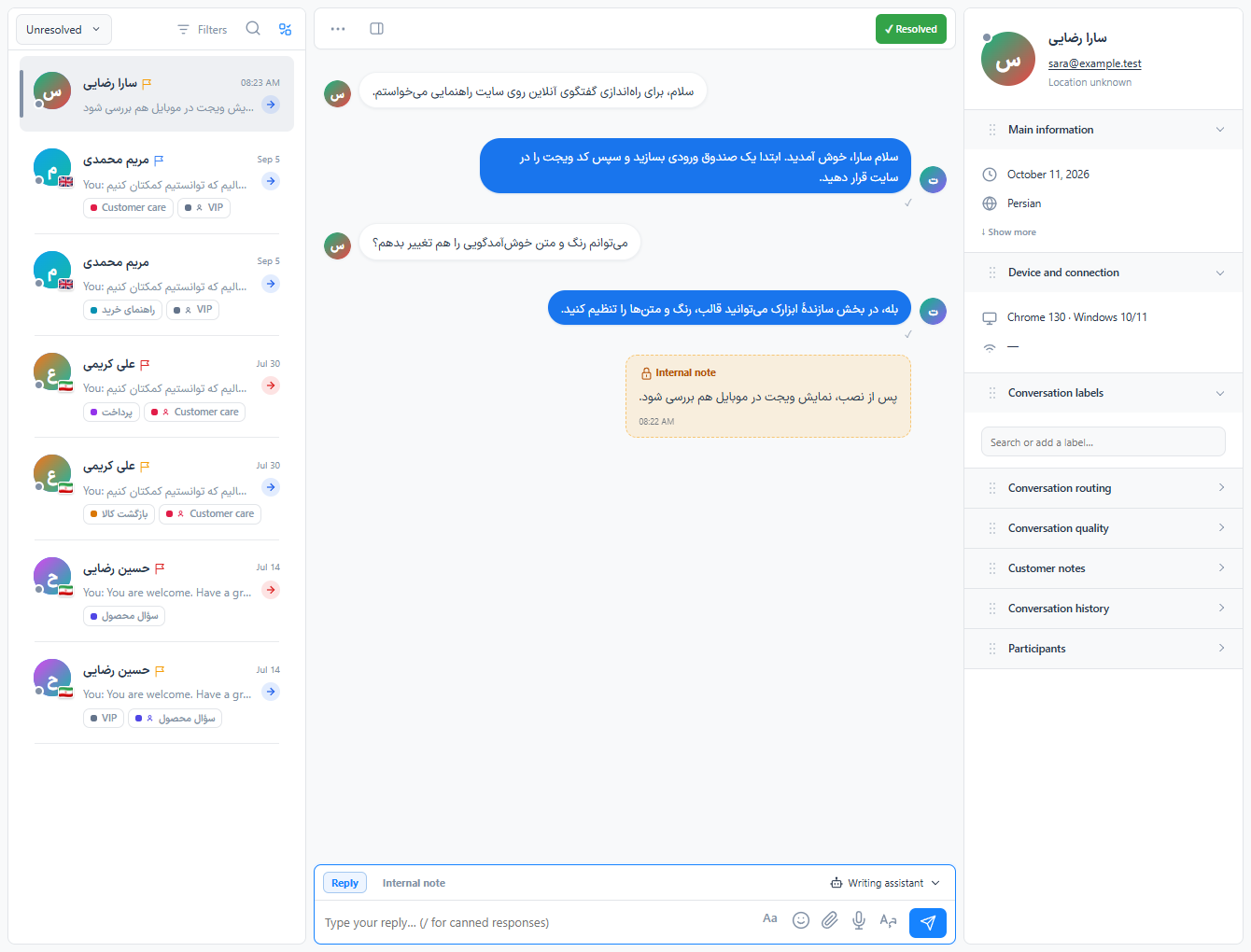
Reply, assign and resolve conversations
The reply reaches the customer; internal notes remain inside the support workspace.
Read the tutorialFind and organize your conversation queue
The list shows conversations matching your current filters and access permissions.
Read the tutorialSend files, images and voice messages
The attachment is included in the conversation history.
Read the tutorial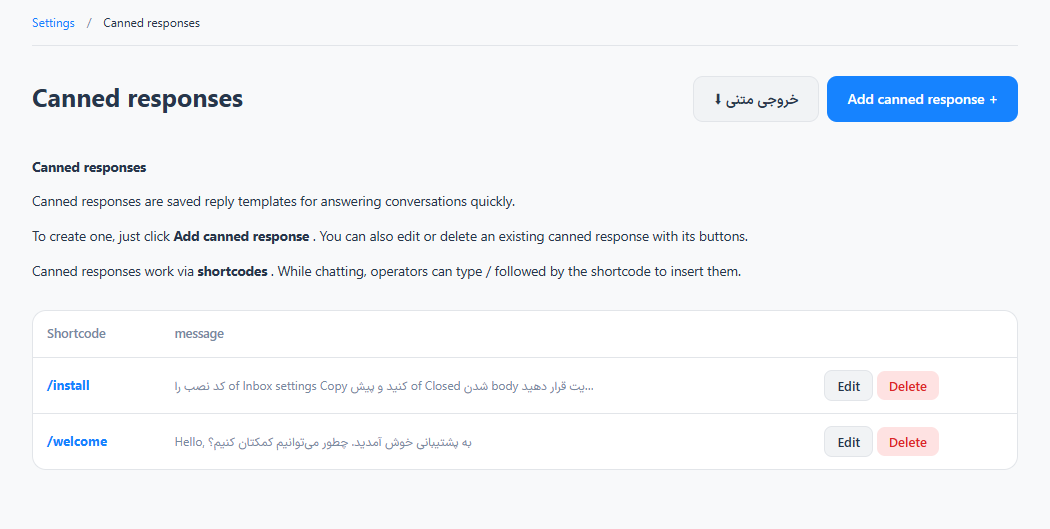
Create and use saved responses
Operators can reuse consistent answers without retyping them.
Read the tutorial
Use writing assistance and translation
You keep control over the final message sent to the customer.
Read the tutorialArrange the customer information sidebar
Your preferred section order stays associated with your account.
Read the tutorial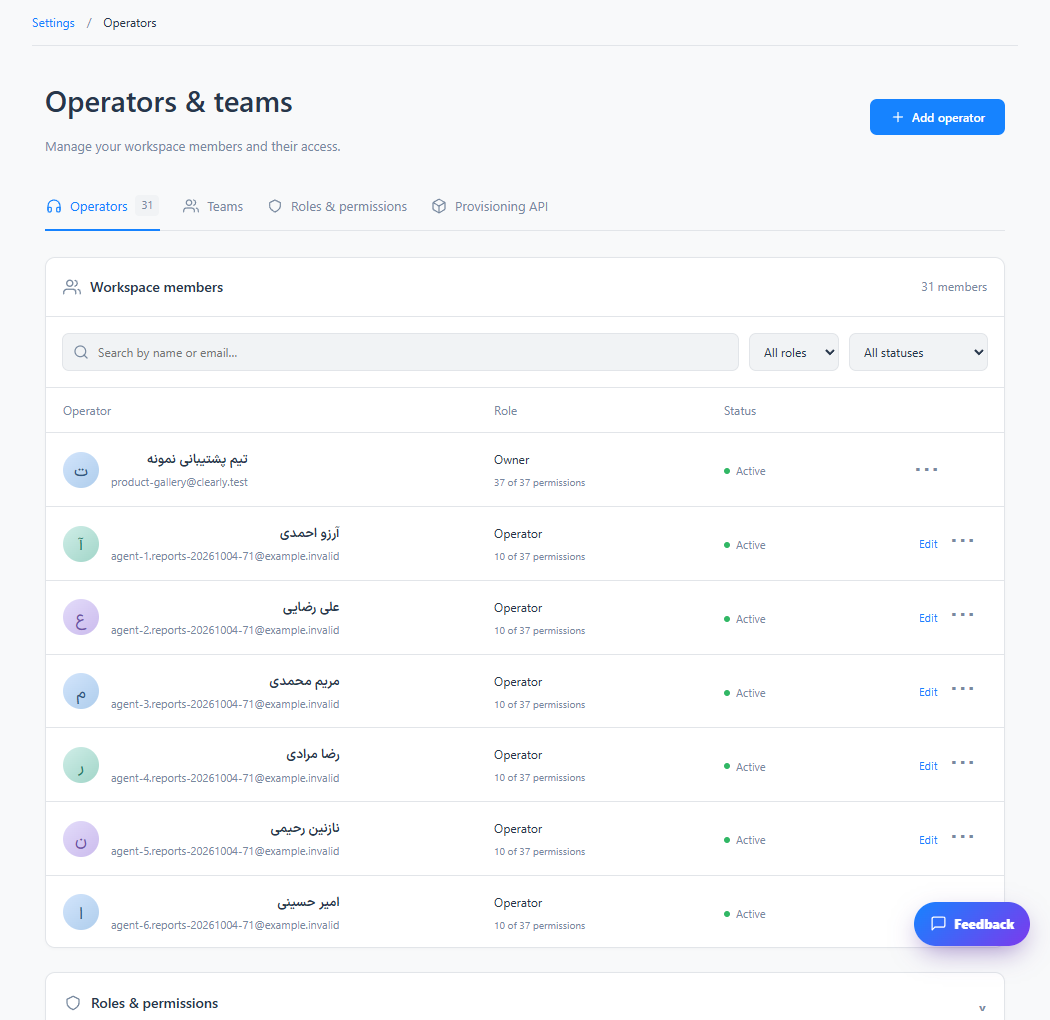
Invite operators and manage permissions
The colleague has access to the permitted parts of your workspace.
Read the tutorial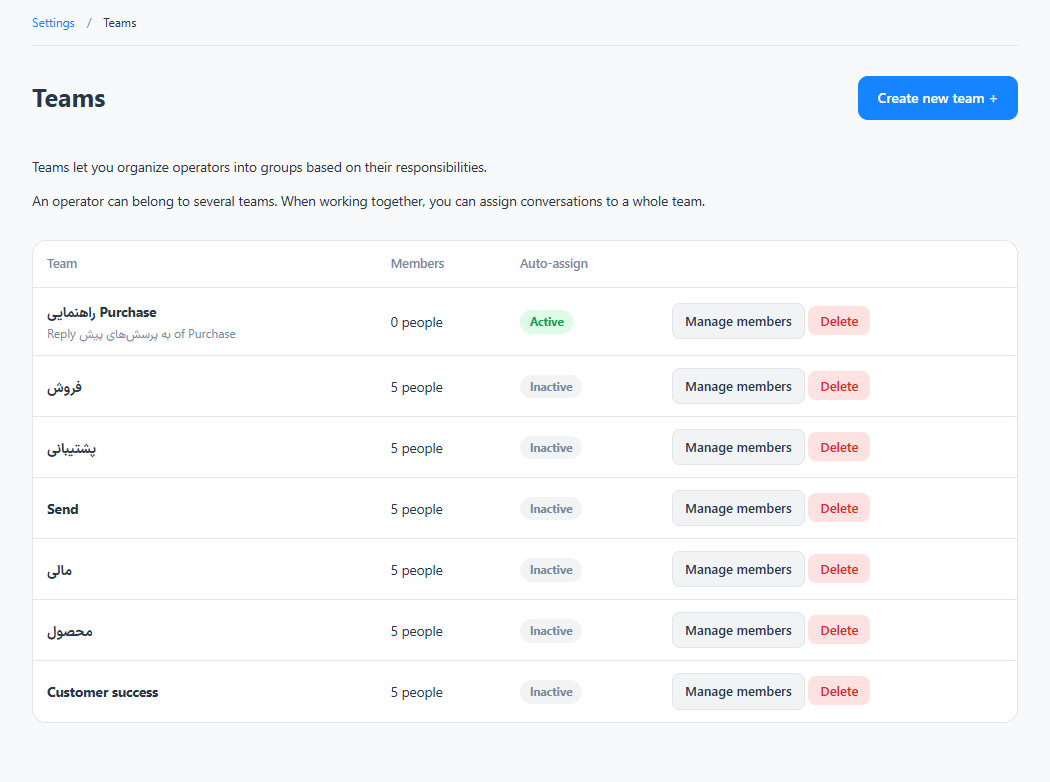
Build teams and route conversations
Conversations can be grouped and assigned to the responsible team.
Read the tutorial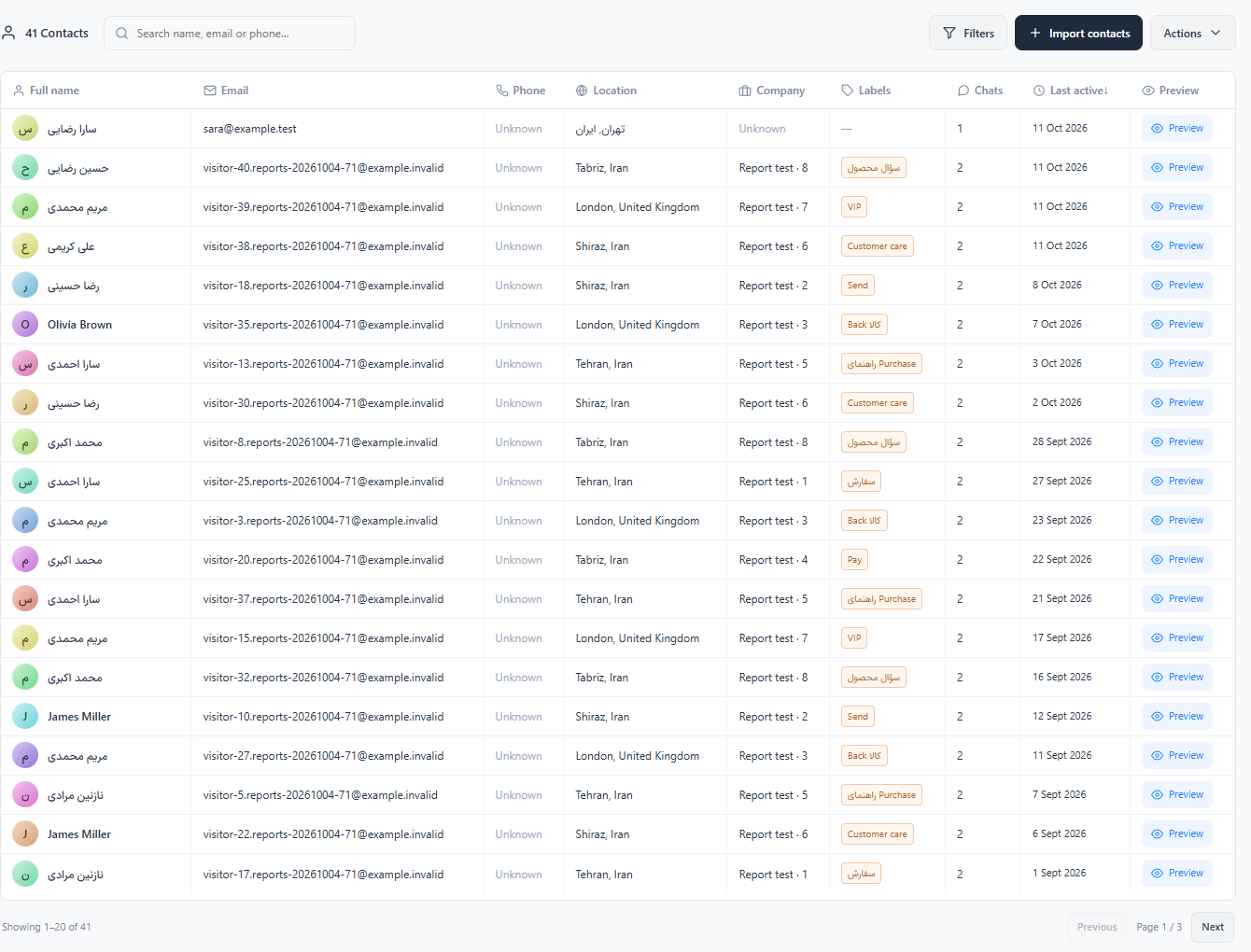
Manage contact profiles and history
Contact information and previous interactions are available together.
Read the tutorial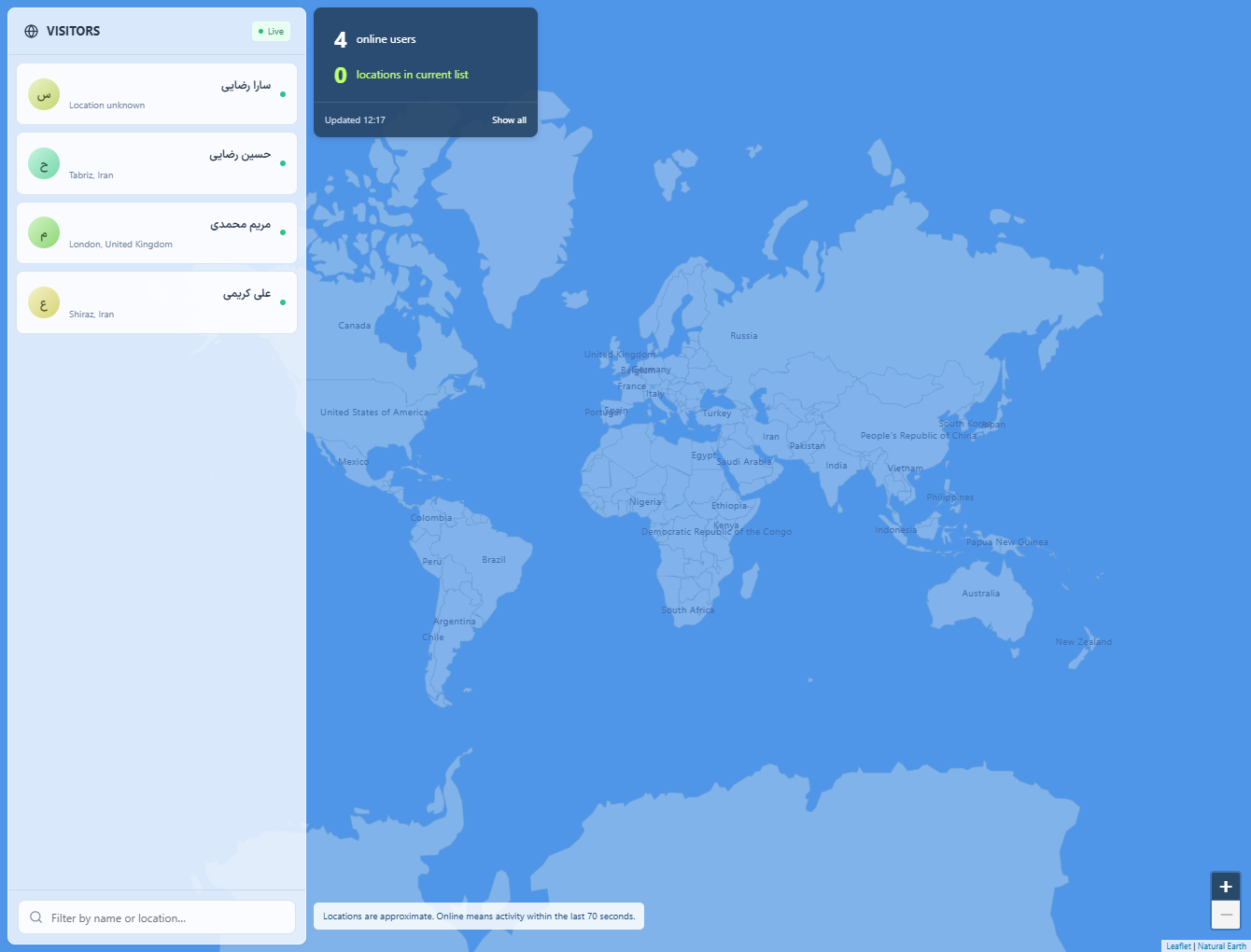
View live visitors and start a conversation
A visitor can respond through the installed widget.
Read the tutorial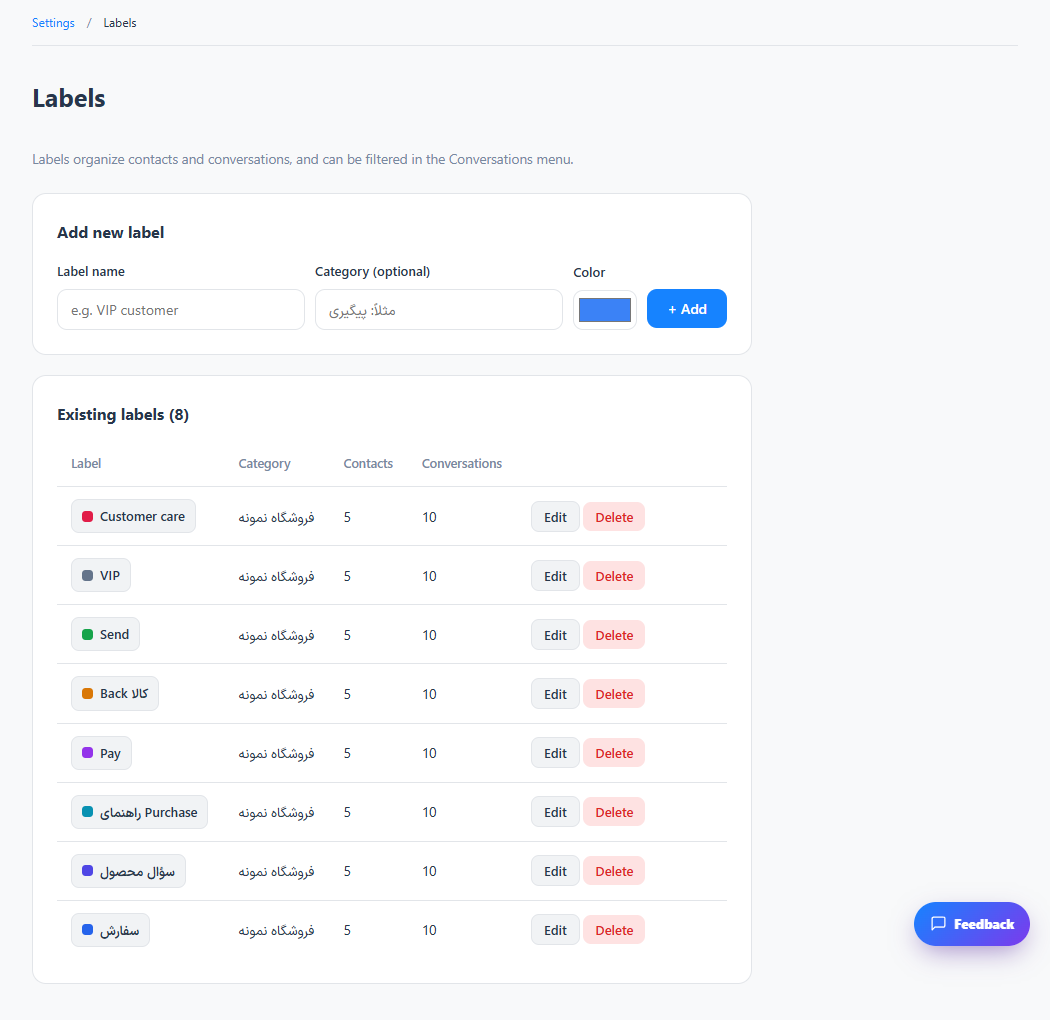
Organize customers and conversations with labels
Requests with the same topic become easier to find and measure.
Read the tutorial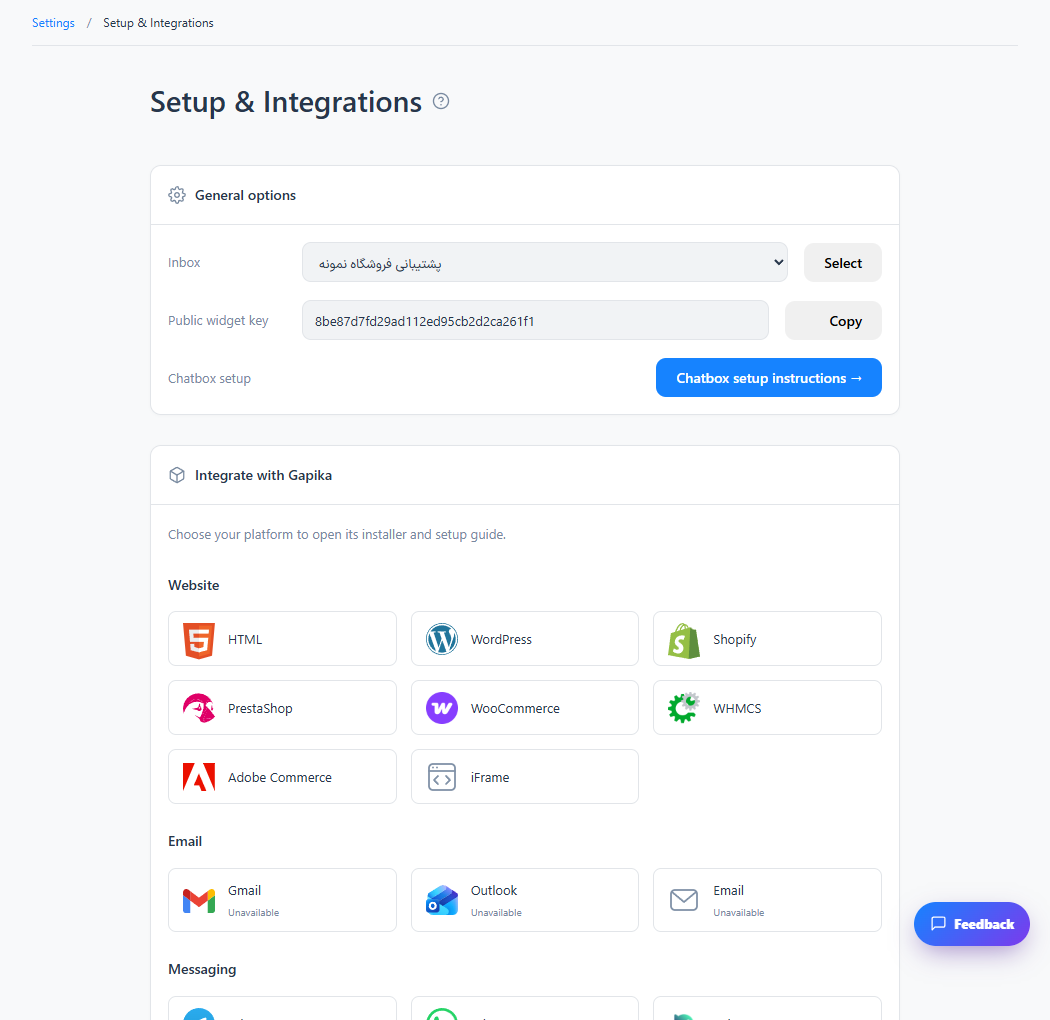
Install the widget on an HTML website
The chat launcher appears on pages using that layout.
Read the tutorialInstall on WordPress and WooCommerce
Website visitors can chat with the inbox connected through the plugin.
Read the tutorialInstall the WHMCS module
The chat widget loads in the supported WHMCS client pages.
Read the tutorialConnect other website platforms
The installed widget routes messages to the selected inbox.
Read the tutorial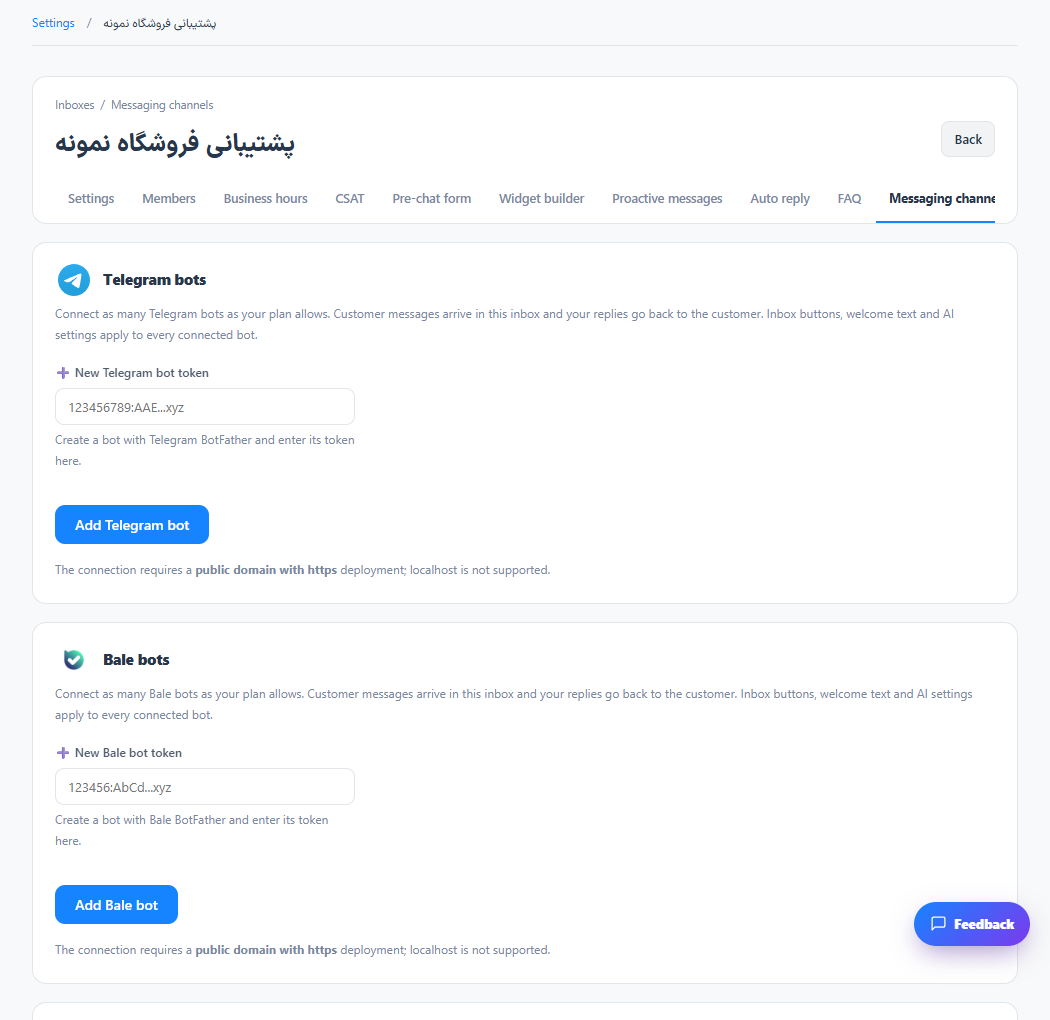
Connect a Telegram bot
Messages from the connected bot appear in that inbox.
Read the tutorialConnect a Bale bot
Messages from the connected bot appear in that inbox.
Read the tutorialConnect WhatsApp to an inbox
The connected session can deliver supported WhatsApp conversations to the inbox.
Read the tutorial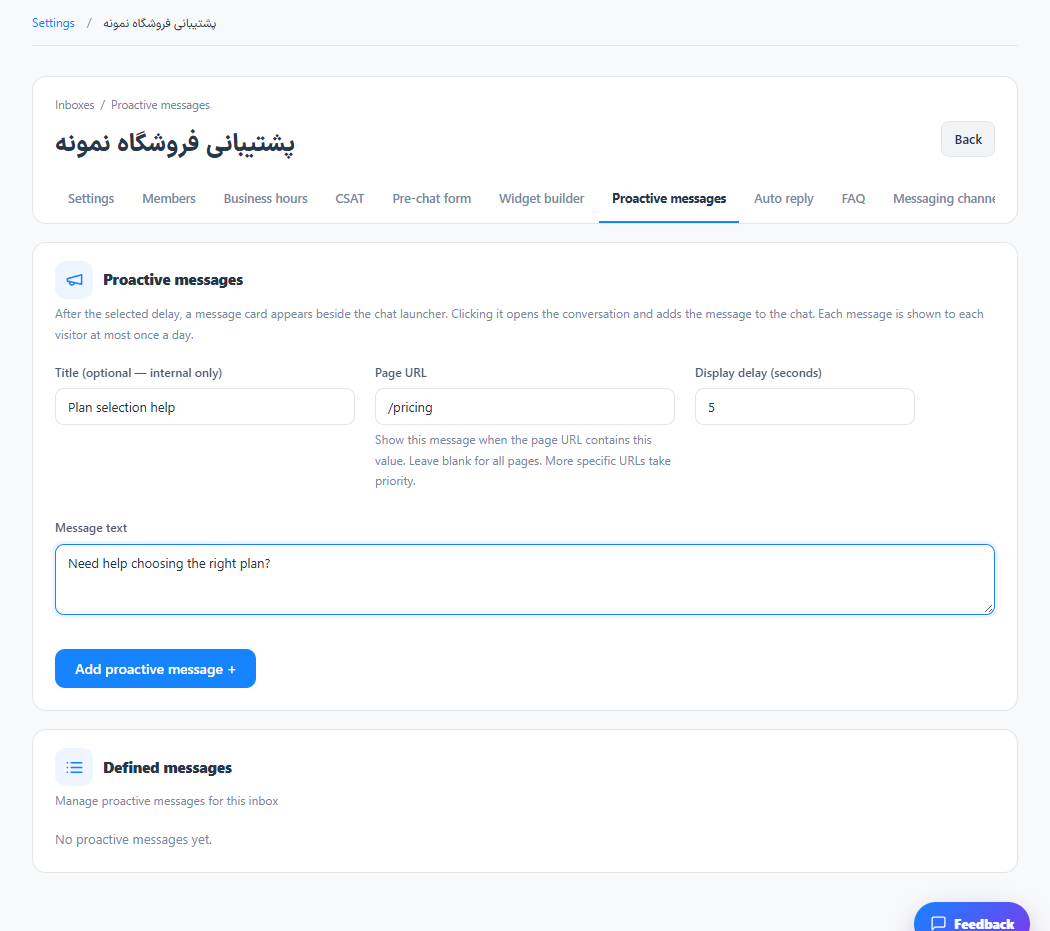
Create proactive messages and follow-ups
Eligible visitors receive the configured message when its conditions are met.
Read the tutorial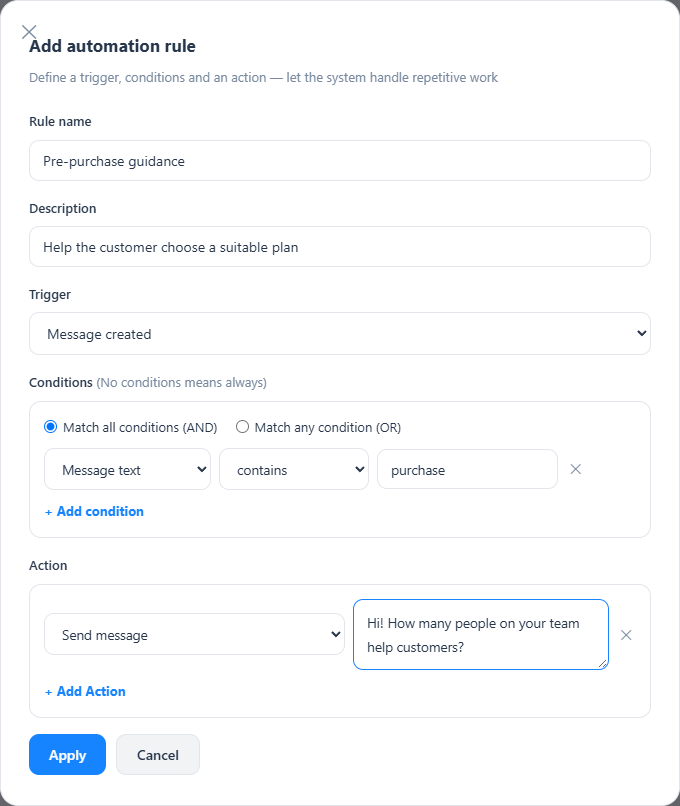
Build an automation rule
The rule performs its actions for matching events.
Read the tutorial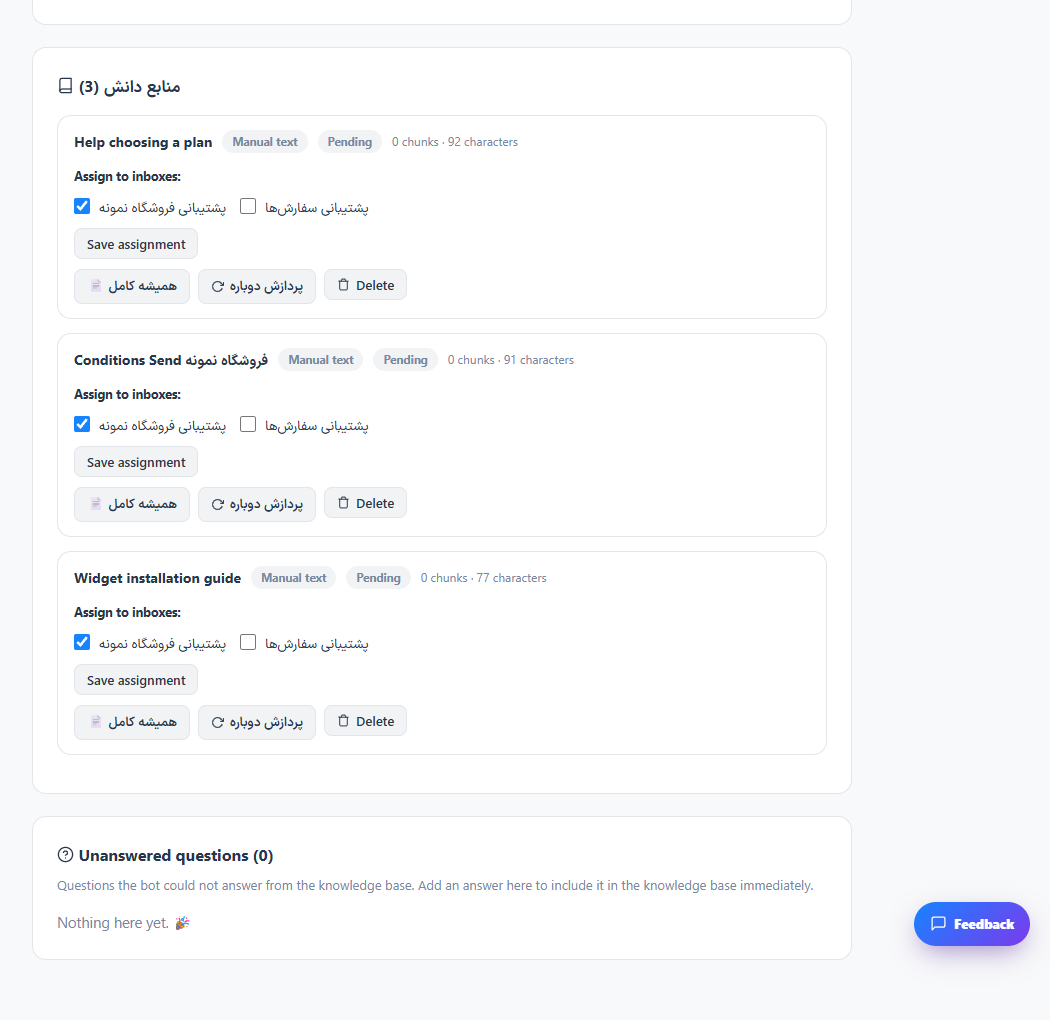
Add and review AI knowledge sources
Processed sources are available to the configured assistant for the selected inboxes.
Read the tutorial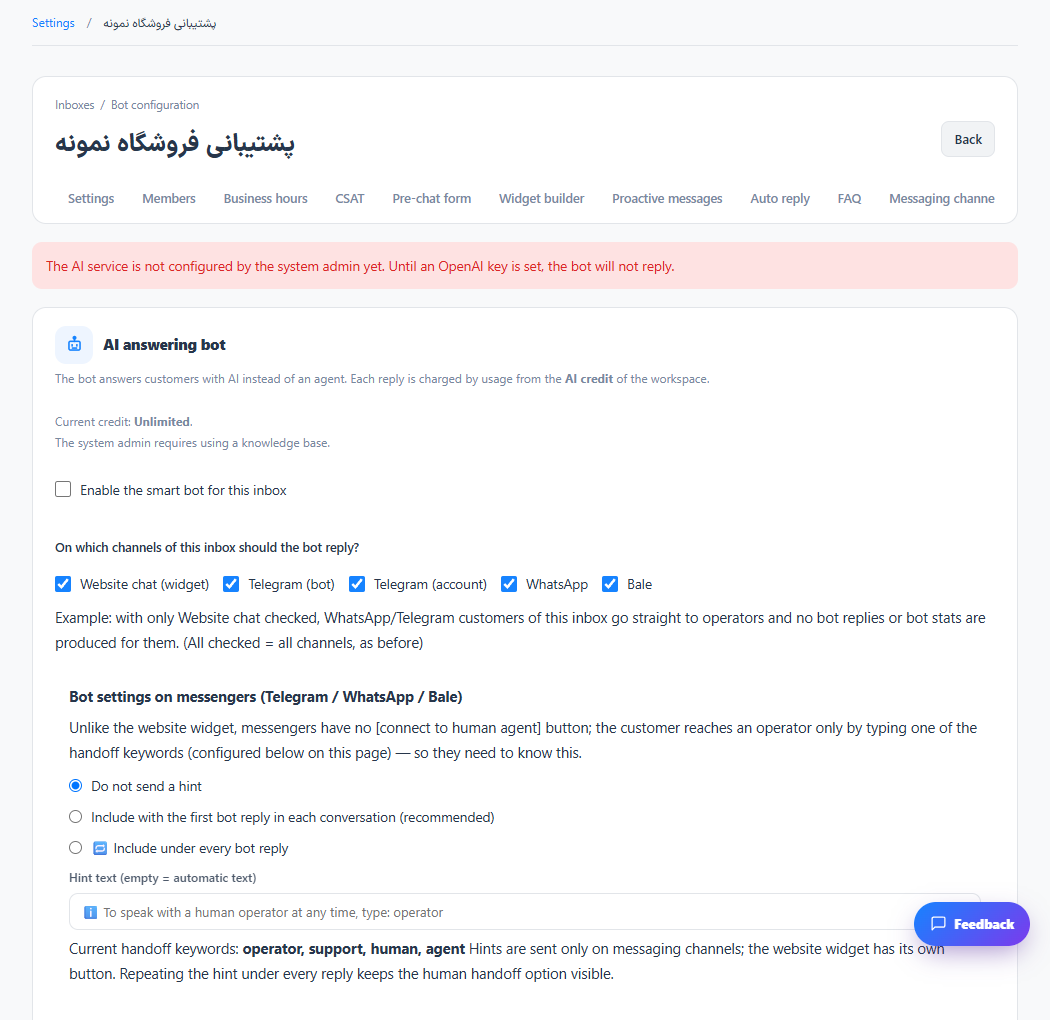
Configure the AI assistant and handoff
The assistant follows the configured response and handoff policy.
Read the tutorial
Collect information with intelligent flows
Matching conversations can collect the configured information before handoff.
Read the tutorial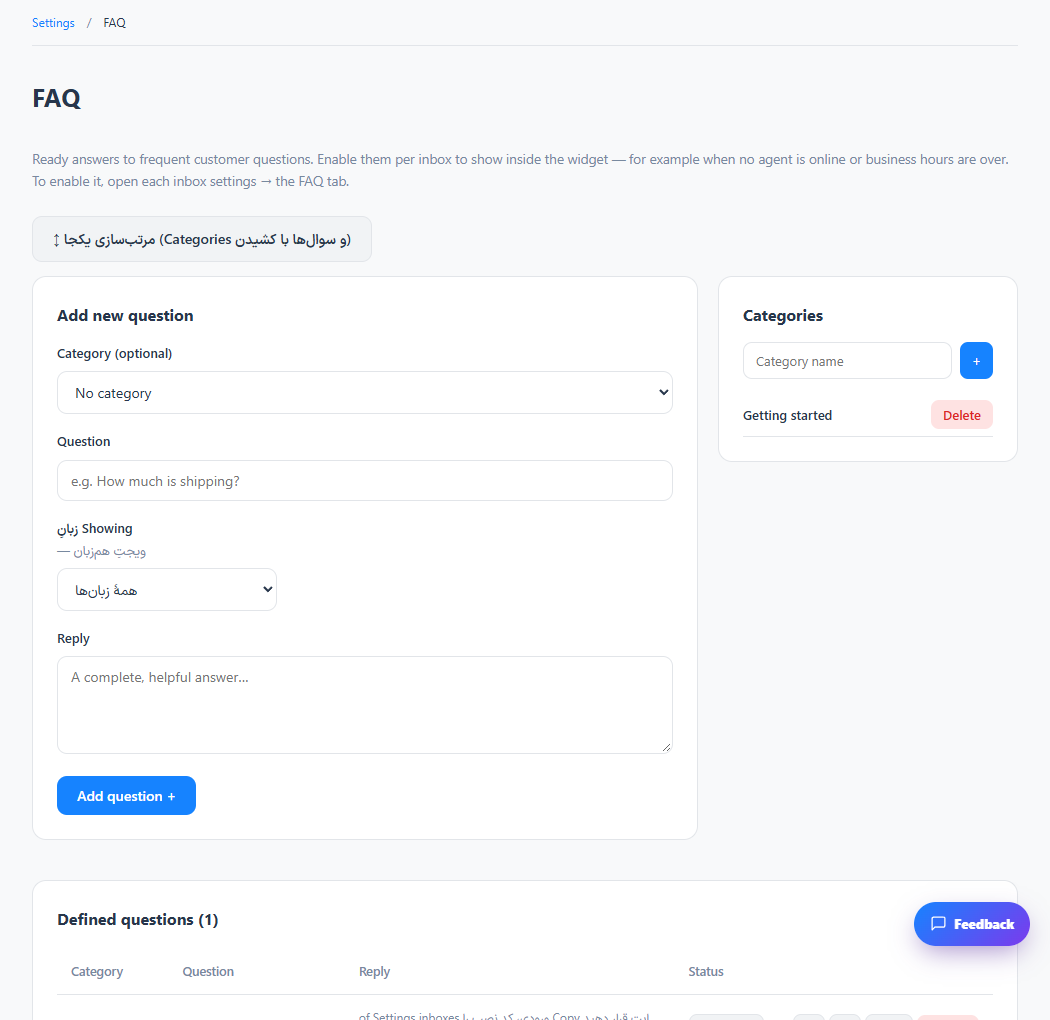
Publish frequently asked questions
Customers can find published answers without starting a new support request.
Read the tutorial
Publish help center articles
Visitors can browse the published help content.
Read the tutorial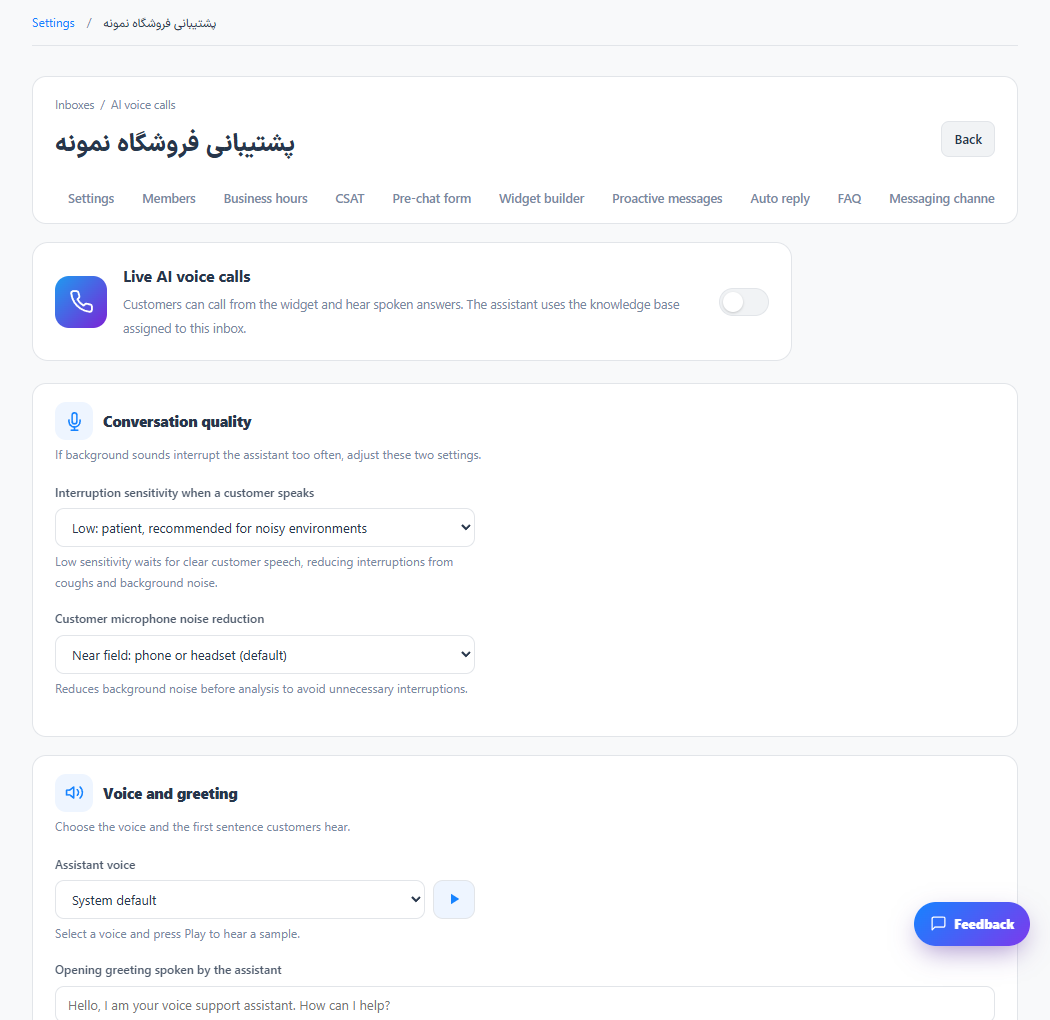
Configure AI voice conversations
Eligible visitors can use the configured voice experience.
Read the tutorial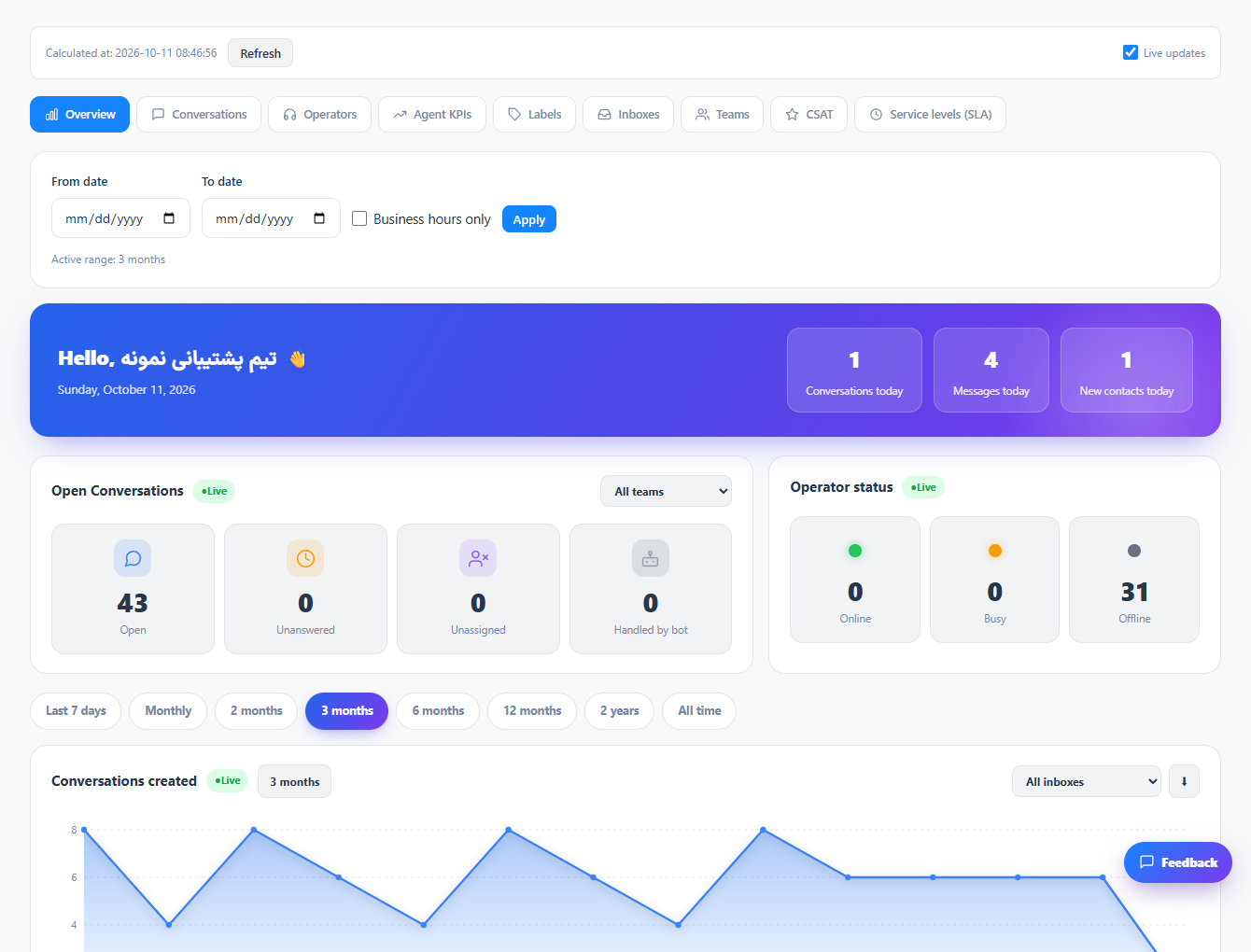
Read the reporting overview
You see a consistent overview of the selected workspace and reporting period.
Read the tutorial
Measure response and resolution times
Response metrics are interpreted within the selected period and working-hours policy.
Read the tutorial
Compare operators and KPI results
You can compare operator activity using the report’s actual scope and sample sizes.
Read the tutorial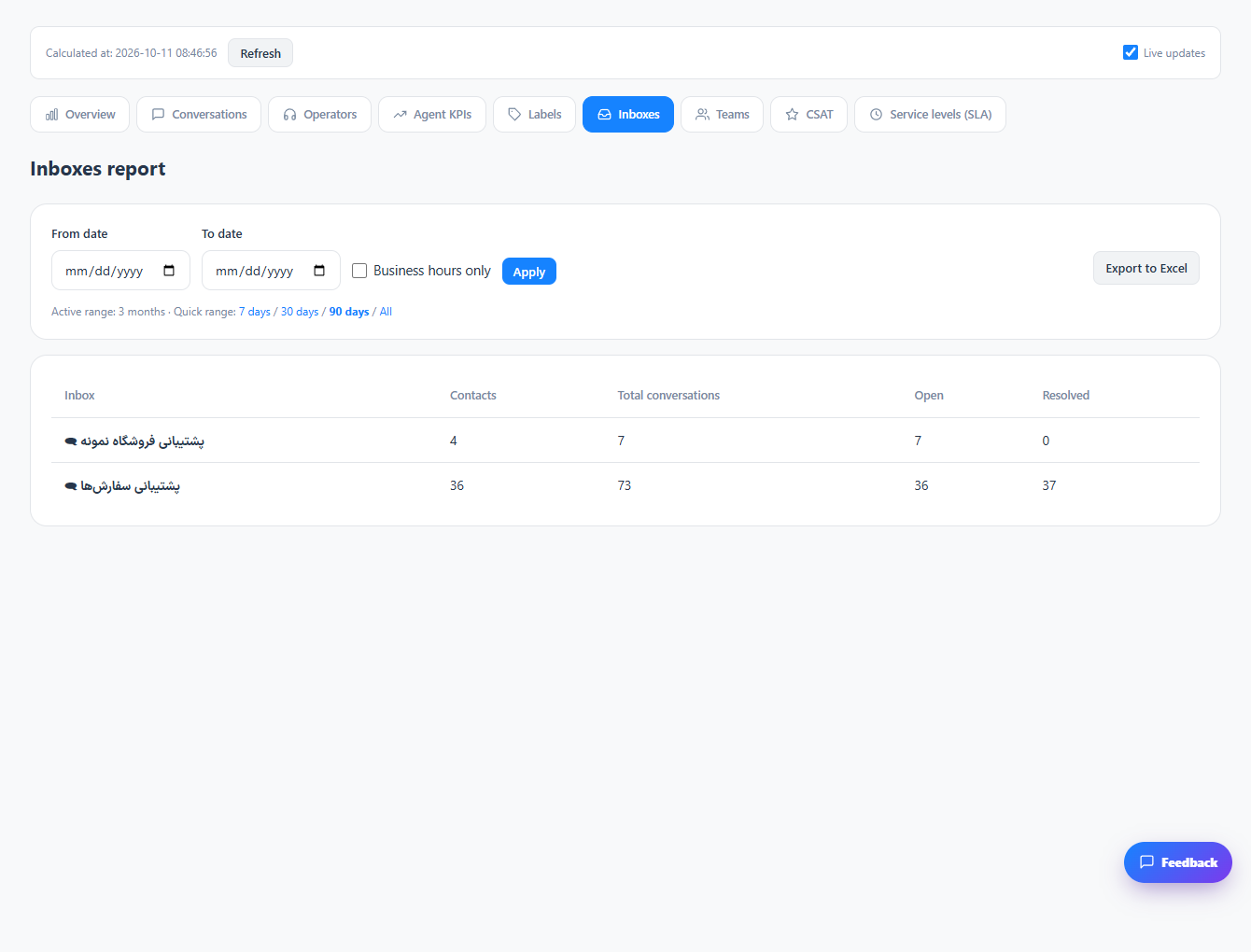
Compare inboxes, teams and labels
Workload can be examined by the organizational categories you use.
Read the tutorial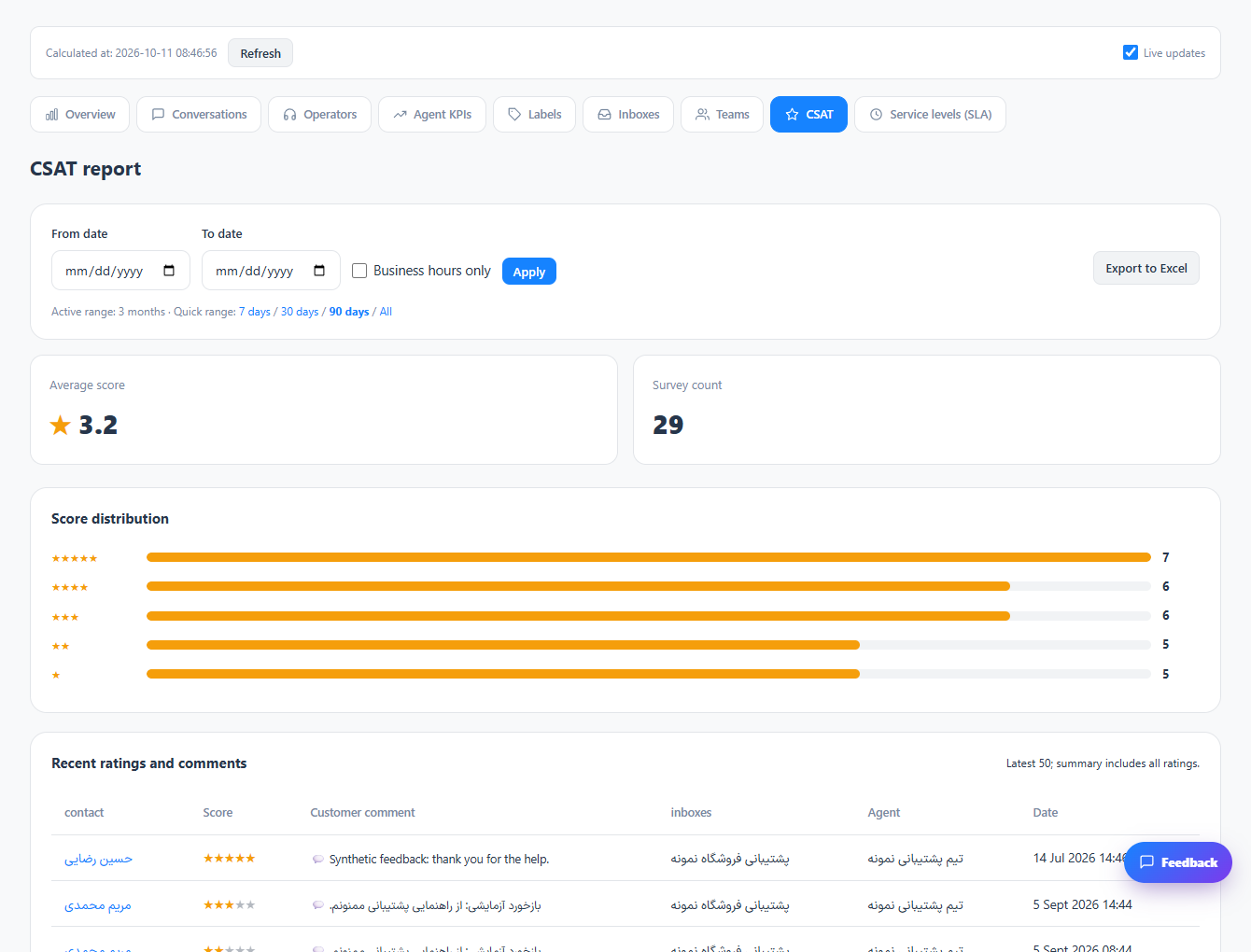
Review satisfaction and SLA reports
Customer feedback and response commitments can be reviewed separately from message volume.
Read the tutorial
Define service-level targets
Applicable conversations can be measured against explicit response targets.
Read the tutorial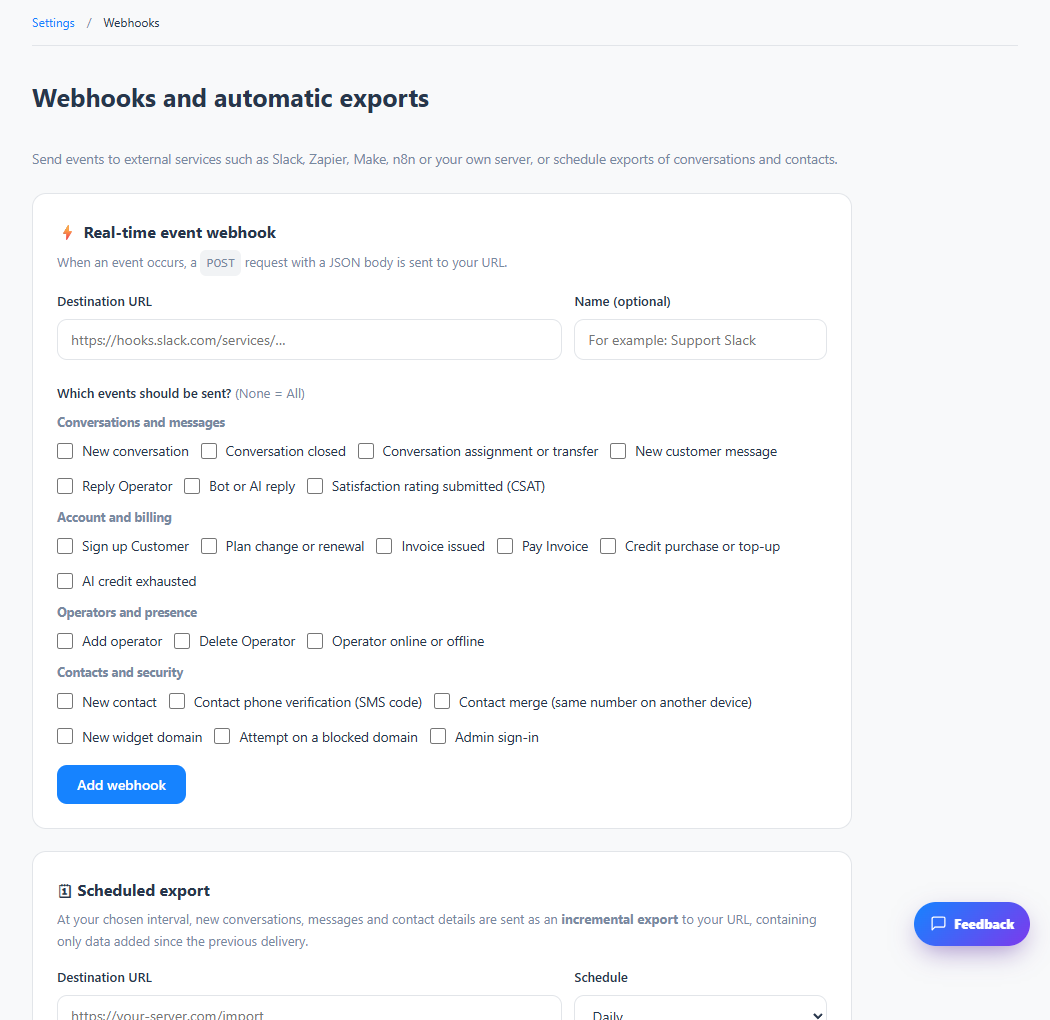
Send events with webhooks
Selected events can be delivered to your configured endpoint.
Read the tutorial
Configure the CRM connection
The supported CRM lookup or connection is available using your saved configuration.
Read the tutorial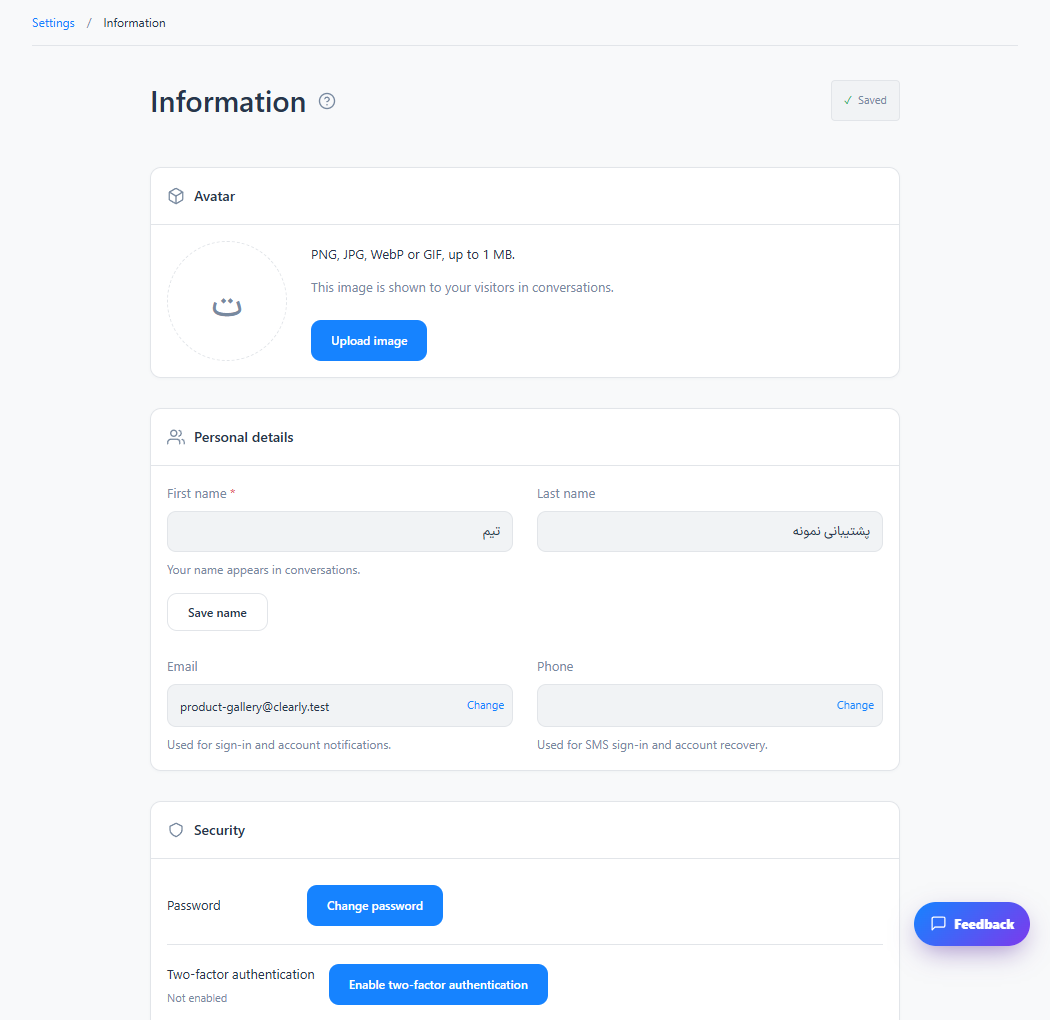
Update your profile and account security
Your profile and enabled security settings are saved for your account.
Read the tutorial
Manage workspace and billing identity
Workspace settings and the account holder’s identity remain consistent.
Read the tutorial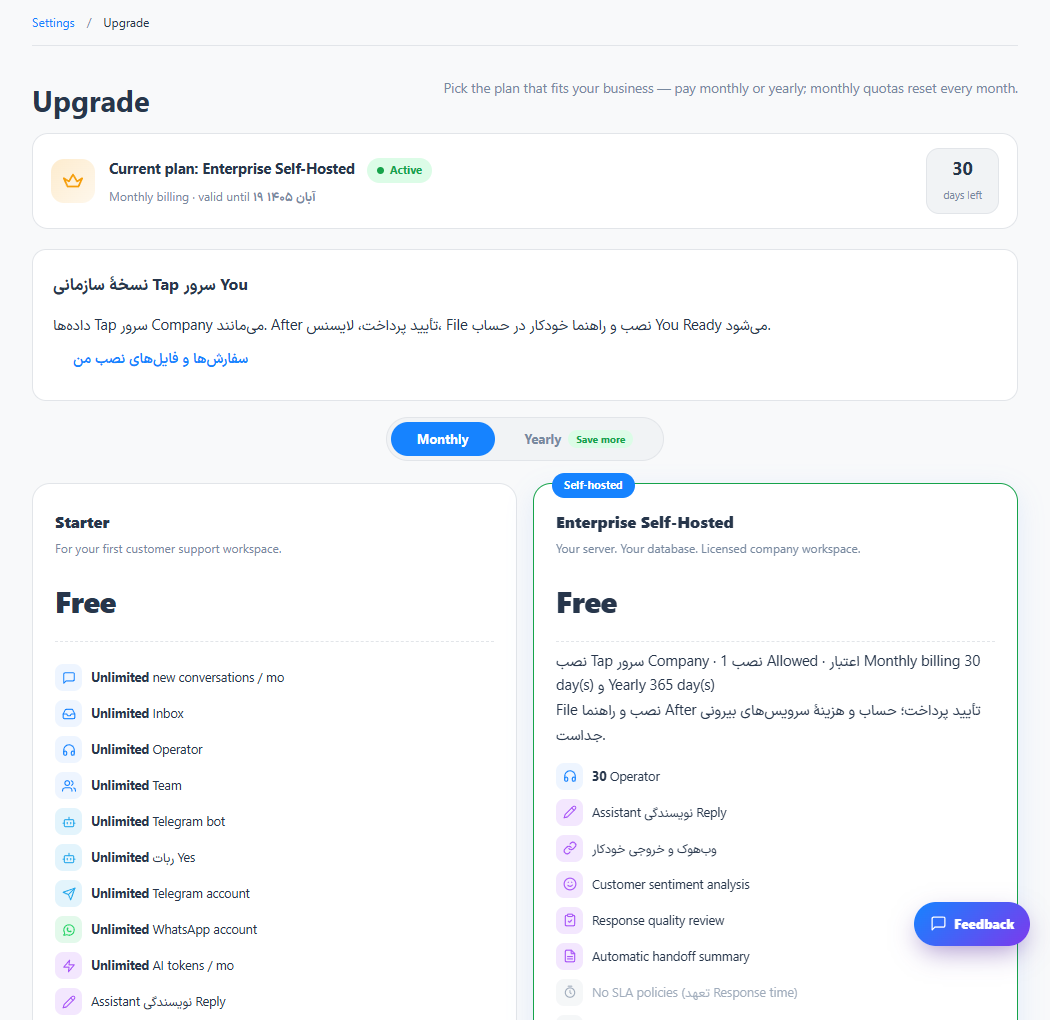
Choose a plan and review invoices
Your active subscription and invoices reflect the completed purchase.
Read the tutorial
Monitor usage and AI credit
You can track recorded AI consumption and plan the next credit purchase.
Read the tutorial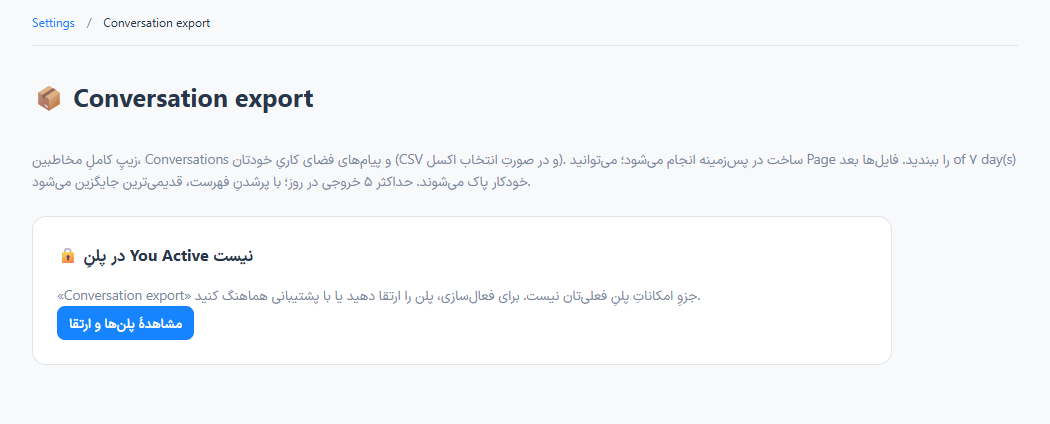
Export data and review account activity
Authorized data can be reviewed outside the panel with a trace of supported administrative events.
Read the tutorial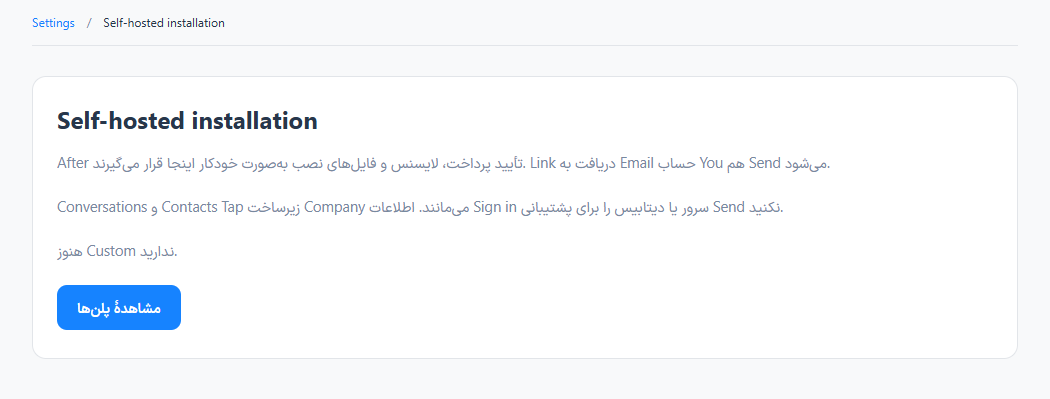
Prepare a private server installation
A licensed private deployment can be prepared with its own infrastructure and operational responsibilities.
Read the tutorial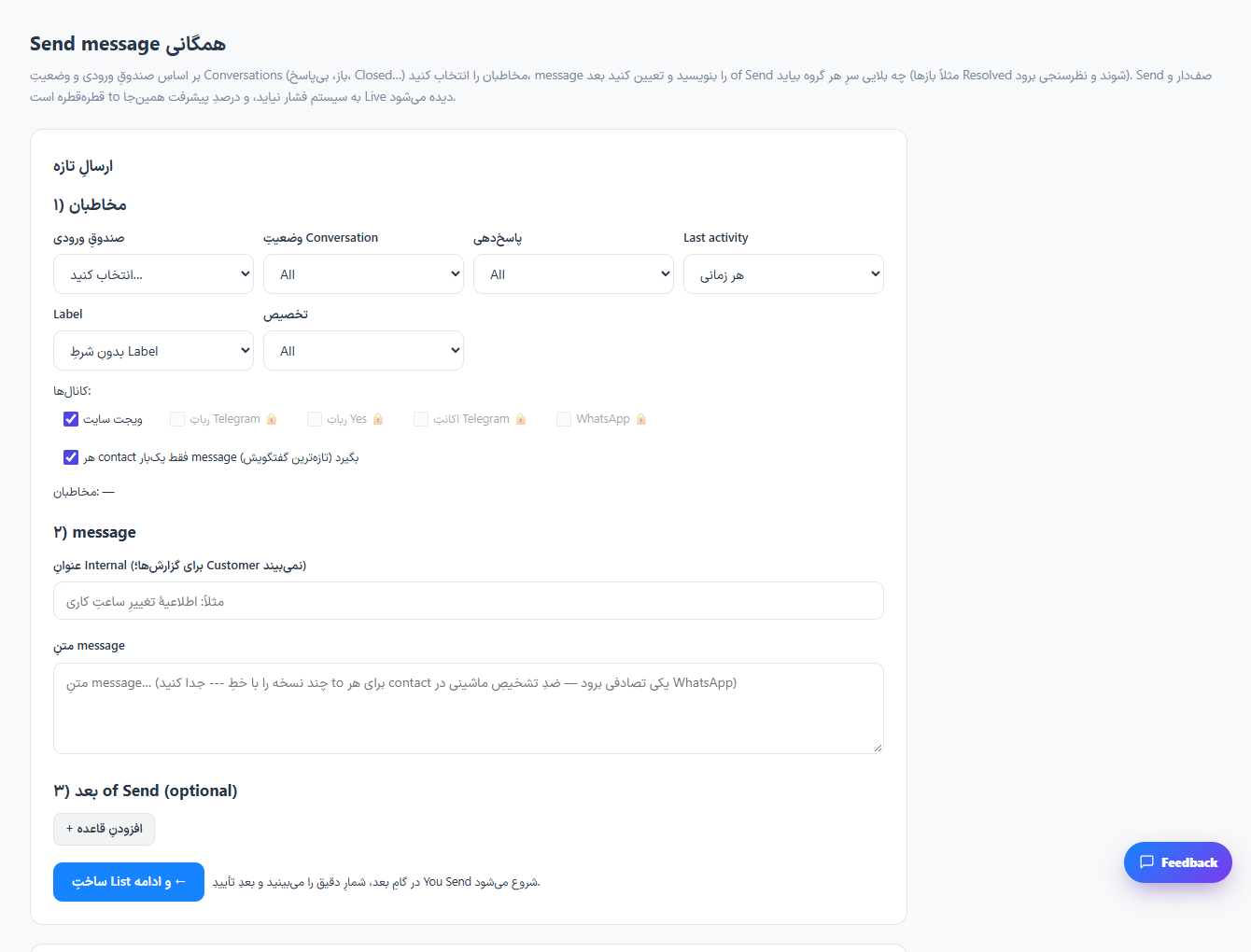
Prepare a targeted broadcast
The broadcast history records the delivery progress for the selected audience.
Read the tutorial
Schedule data delivery to another system
The configured data can be delivered on the selected schedule.
Read the tutorial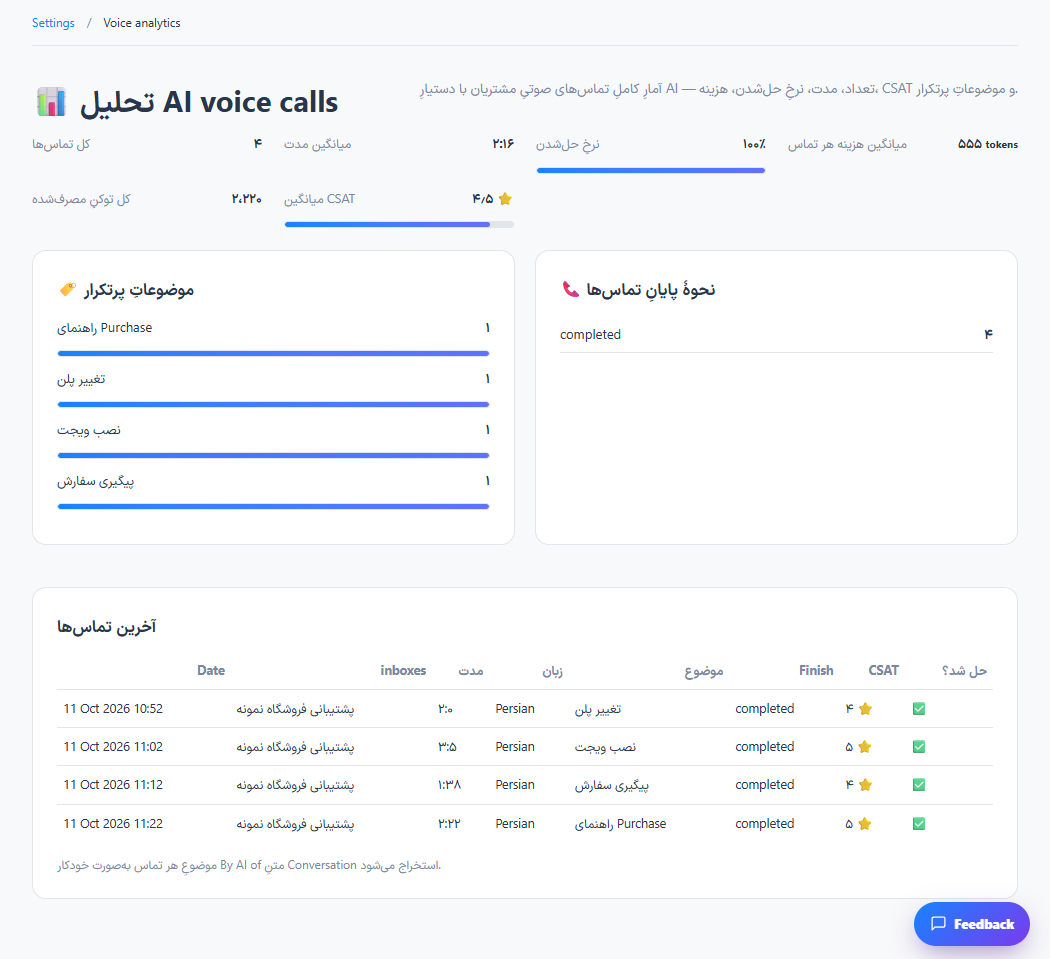
Review AI voice call activity
Completed call activity can be reviewed alongside the inbox voice settings.
Read the tutorial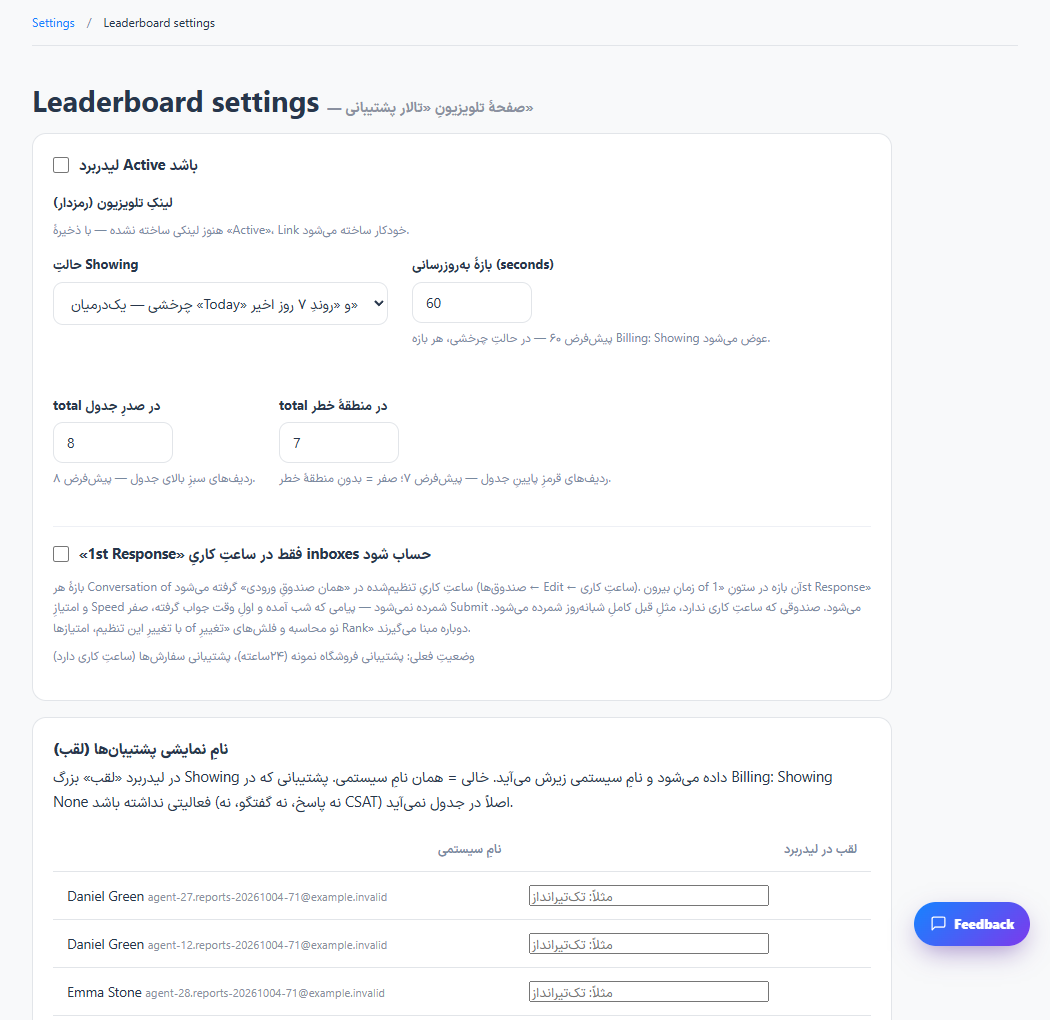
Set up the team performance display
The shared screen presents the supported team performance information.
Read the tutorial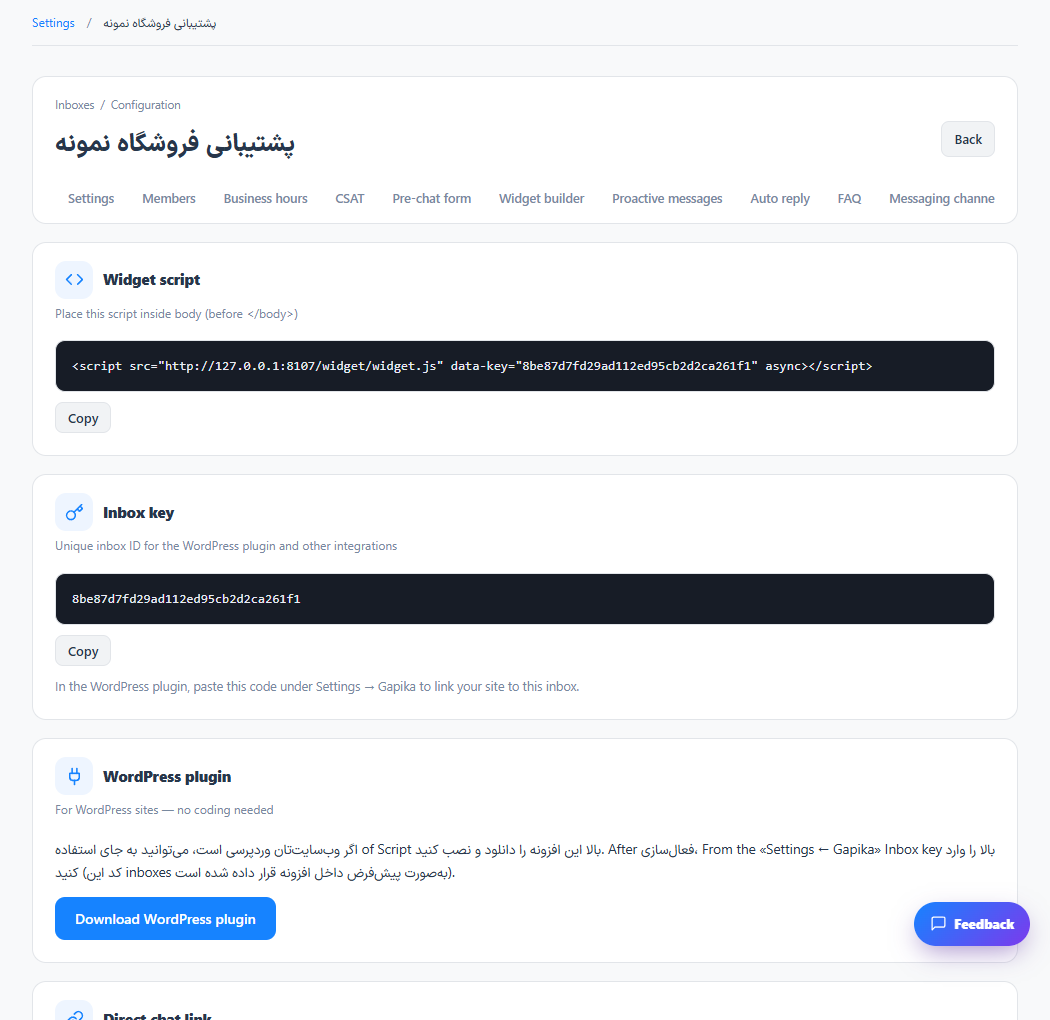
Review inbox domains and advanced configuration
The website and inbox use the matching installation settings.
Read the tutorialNo matching tutorial
Try a shorter phrase or clear the category filter.