
Where to start
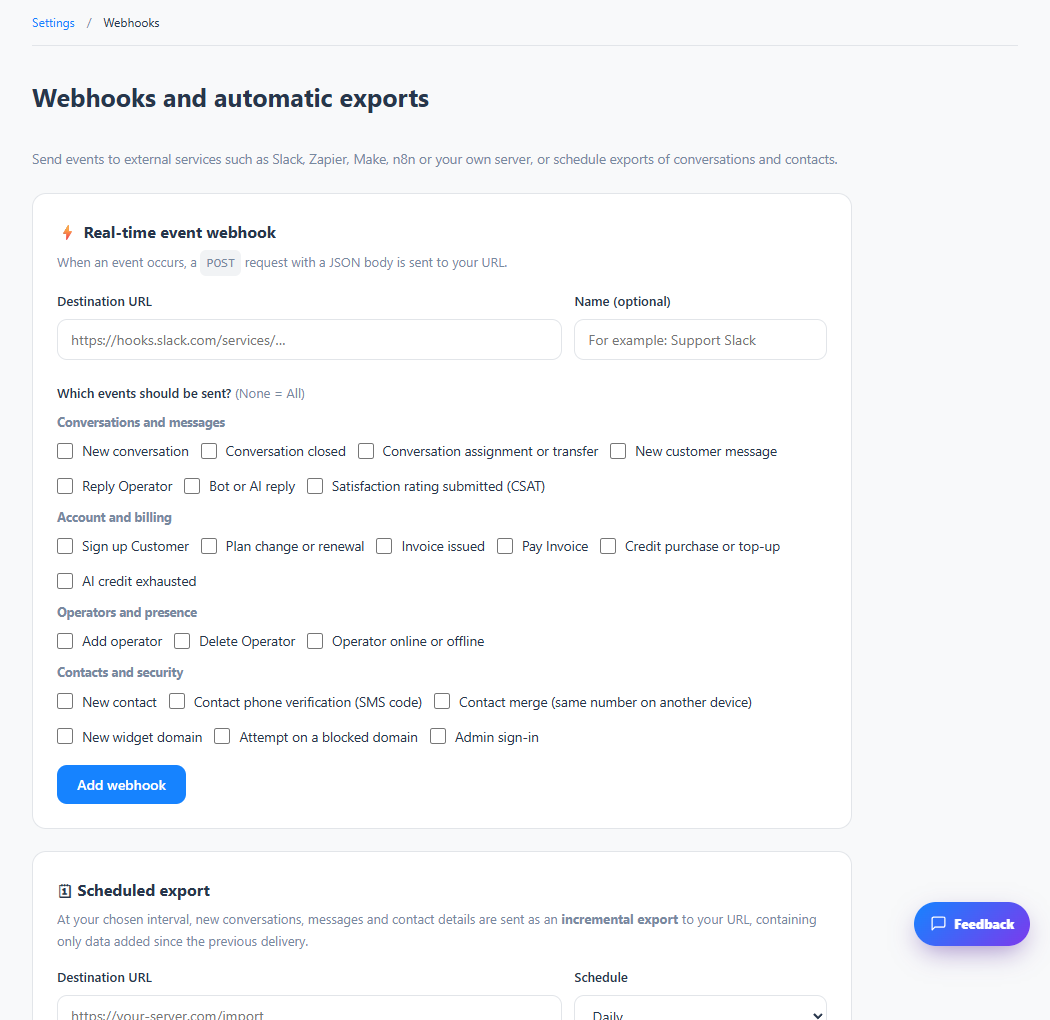
Settings → Integrations and insights → Webhooks
For panel settings, sign in to the intended workspace with a role that has access to that section. Available tools depend on your plan and configured services.
Step 1
Create a webhook with your HTTPS receiving endpoint and select the supported events you need.
Step 2
Configure authentication or signature verification as shown, and keep the secret on your server.
Step 3
Trigger a sample event and inspect the receiving server’s logs before relying on the integration.
Check the result
Selected events can be delivered to your configured endpoint.
If something does not work
Never publish secrets in browser code or screenshots. The receiving service must handle retries safely.
Contact support