
Where to start
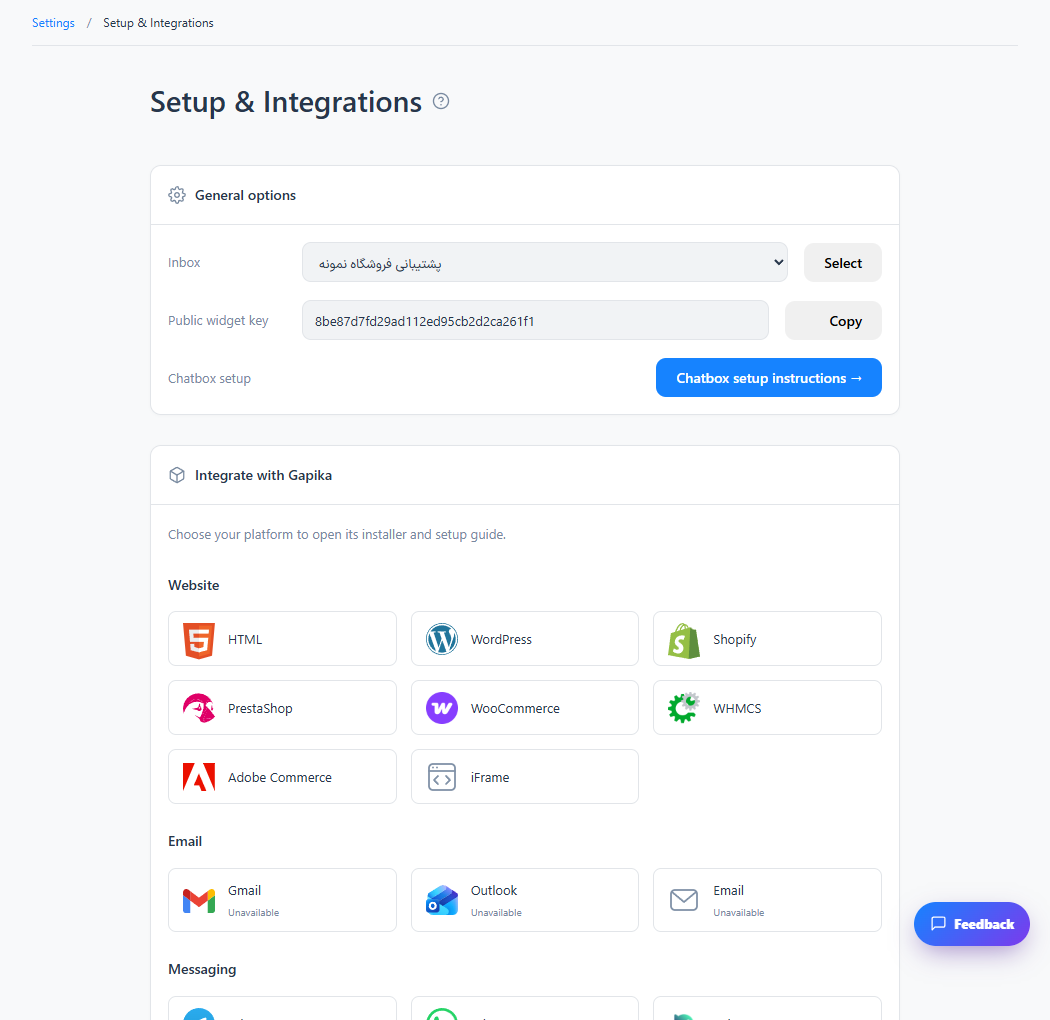
Setup & Integrations → WordPress or WooCommerce
For panel settings, sign in to the intended workspace with a role that has access to that section. Available tools depend on your plan and configured services.
Step 1
Open the platform card and download the installation ZIP from its guide.
Step 2
In WordPress, open Plugins → Add New → Upload Plugin, upload the ZIP and activate it.
Step 3
Enter the server address and inbox key requested by the plugin, save, then test a public store page.
Check the result
Website visitors can chat with the inbox connected through the plugin.
If something does not work
The widget connects support conversations. Installing it does not automatically synchronize WooCommerce orders.
Contact support