
Where to start
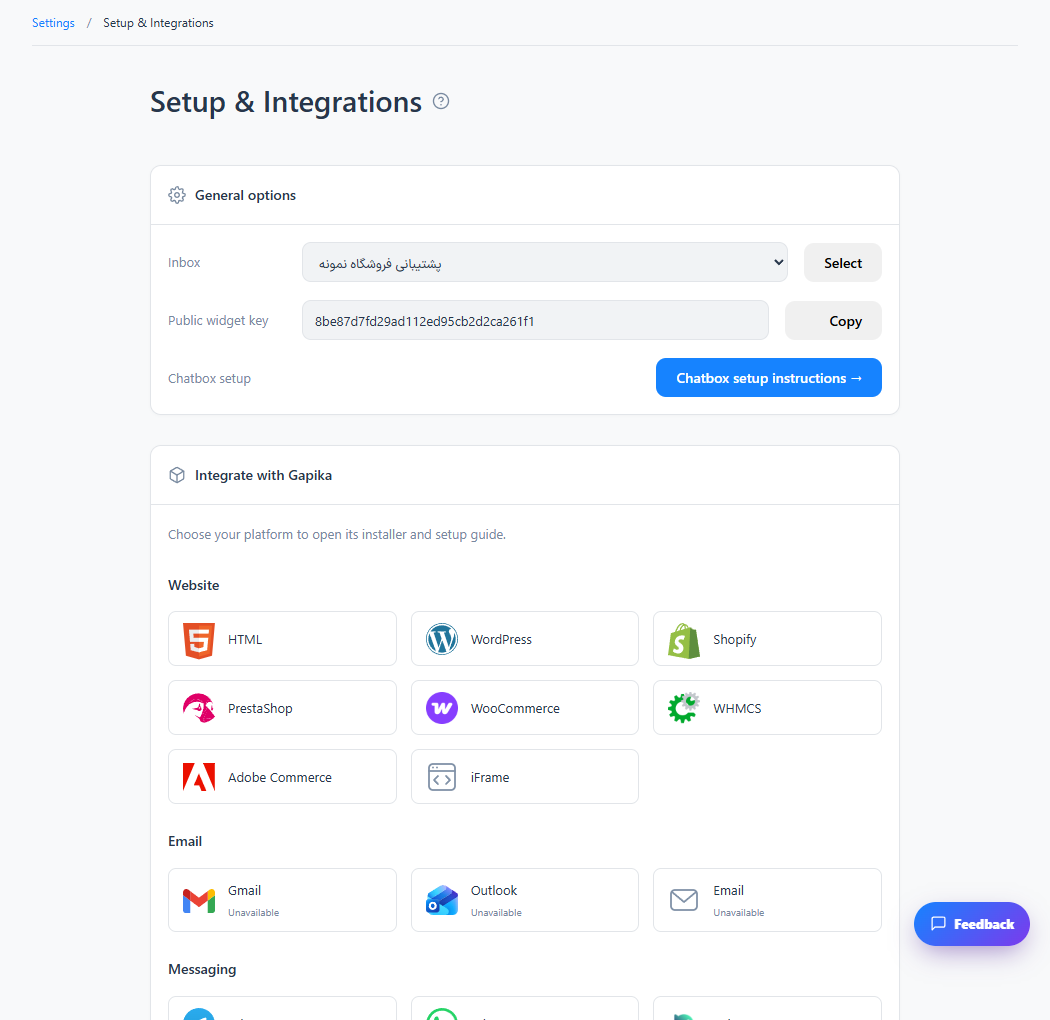
Settings → Workspace → Setup & Integrations
For panel settings, sign in to the intended workspace with a role that has access to that section. Available tools depend on your plan and configured services.
Step 1
Select your platform, such as Shopify, PrestaShop, Adobe Commerce or an iframe embed.
Step 2
Follow the platform-specific dialog. Download a package only when the dialog provides one; otherwise use the displayed installation code.
Step 3
Publish the change and verify a visitor message in the intended inbox.
Check the result
The installed widget routes messages to the selected inbox.
If something does not work
Cards marked unavailable are not active connectors. Native mobile SDKs and provider integrations may require separate development or provider approval.
Contact support