
Where to start
Settings → Integrations and insights → Voice analytics
For panel settings, sign in to the intended workspace with a role that has access to that section. Available tools depend on your plan and configured services.
Step 1
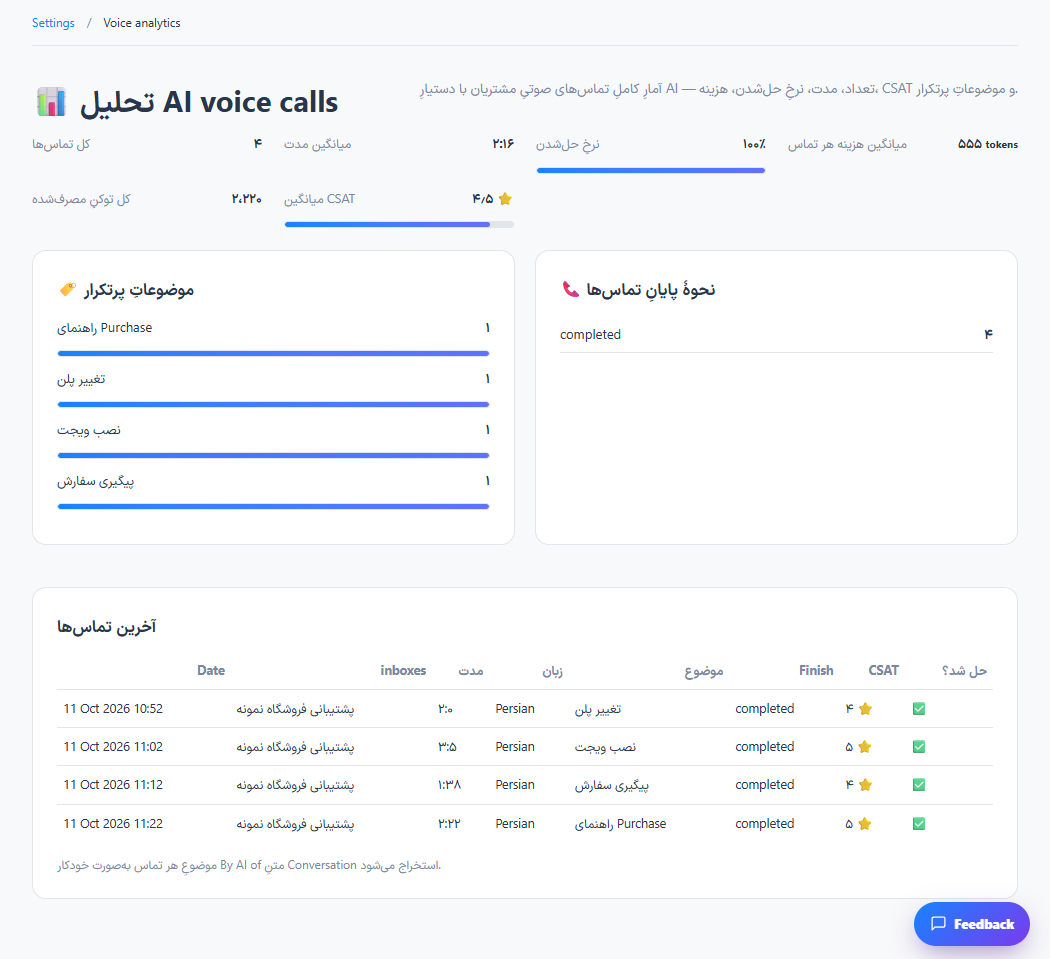
Open voice analytics after completing a test call in an enabled inbox.
Step 2
Review the available duration, outcome, topic and usage information for the selected calls.
Step 3
Use individual call details to investigate poor results before changing the voice policy.
Check the result
Completed call activity can be reviewed alongside the inbox voice settings.
If something does not work
Only recorded call activity appears here. A configured voice service is required to create real calls.
Contact support