
Where to start
Main menu → Reports → Overview
For panel settings, sign in to the intended workspace with a role that has access to that section. Available tools depend on your plan and configured services.
Step 1
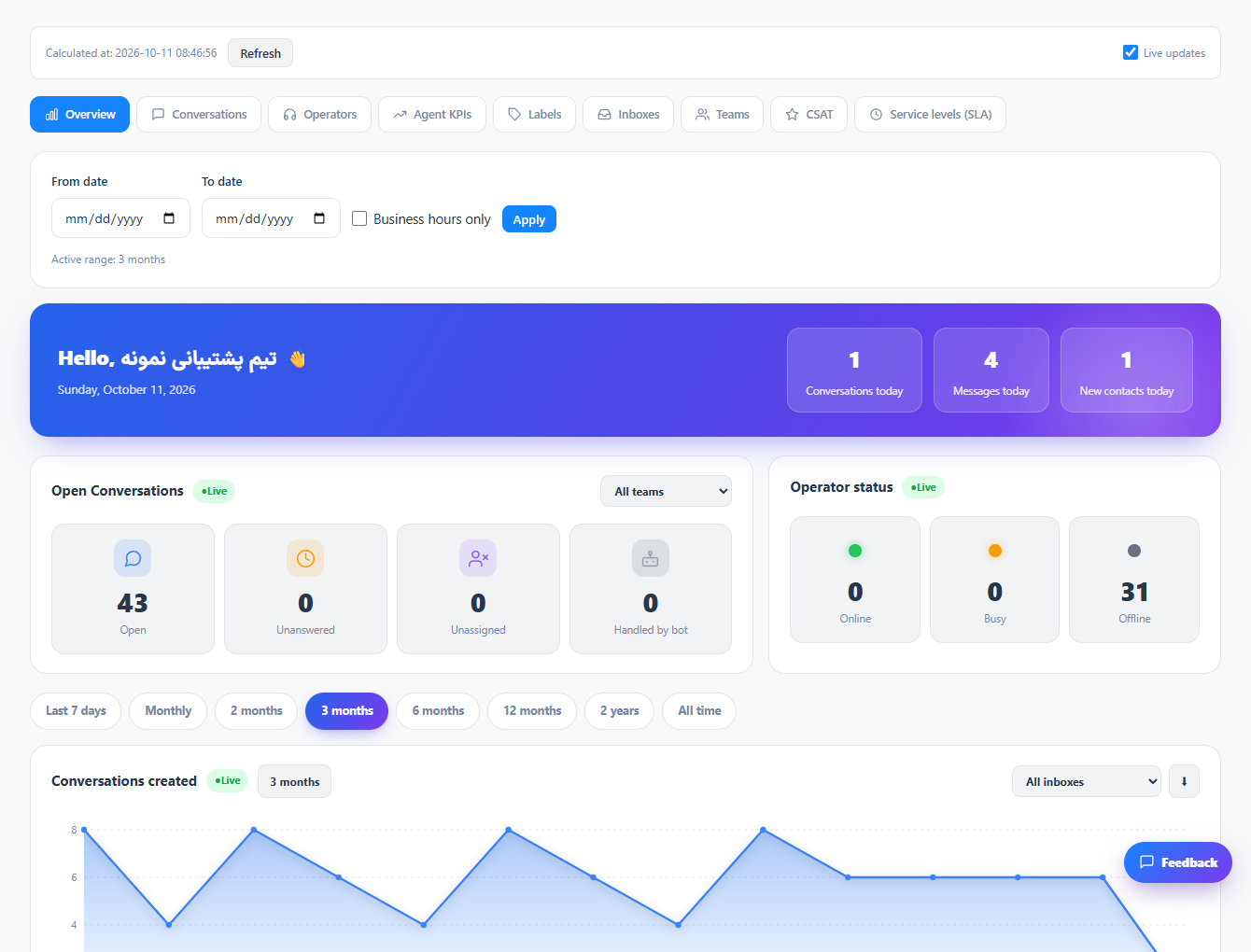
Choose a reporting period and apply the available inbox or team filters.
Step 2
Review conversation totals, workload and activity trends together with the displayed update status.
Step 3
Open a detailed report to investigate a change. Keep the same dates and filters when comparing results.
Check the result
You see a consistent overview of the selected workspace and reporting period.
If something does not work
A new or large reporting range may need background preparation. Use the update indicator; an empty sample is not a zero response time.
Contact support