
Where to start
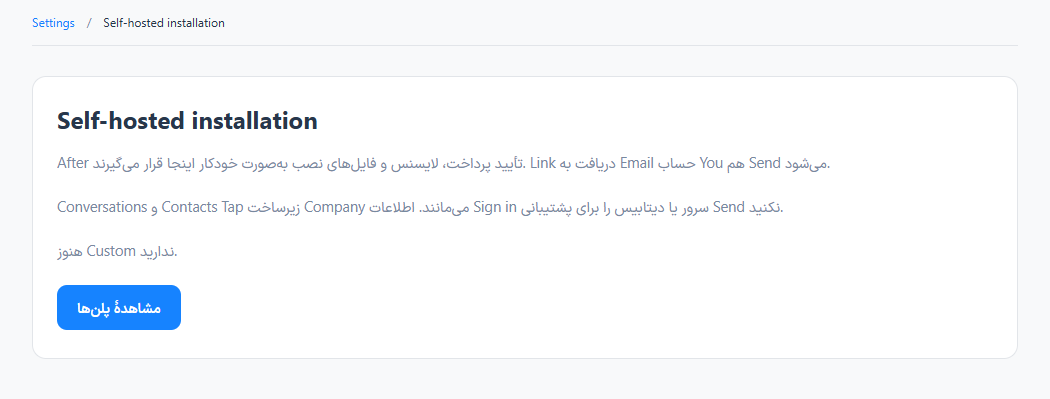
Settings → Data and self-hosting → Enterprise installation
For panel settings, sign in to the intended workspace with a role that has access to that section. Available tools depend on your plan and configured services.
Step 1
Review the private deployment options, license and installation requirements.
Step 2
Choose the license and services you need, then follow the issued installation and activation instructions.
Step 3
Verify the domain, HTTPS, backups, service health and license state before inviting your team.
Check the result
A licensed private deployment can be prepared with its own infrastructure and operational responsibilities.
If something does not work
This is a deployment option, not the Company account type on the registration form.
Contact support