
Where to start
Settings → Workspace → Workspace settings
For panel settings, sign in to the intended workspace with a role that has access to that section. Available tools depend on your plan and configured services.
Step 1
Review the workspace name and available general settings. Save changes with a name your team can recognize.

Step 2
Open the account identity section to review personal or company details used for the account and billing.
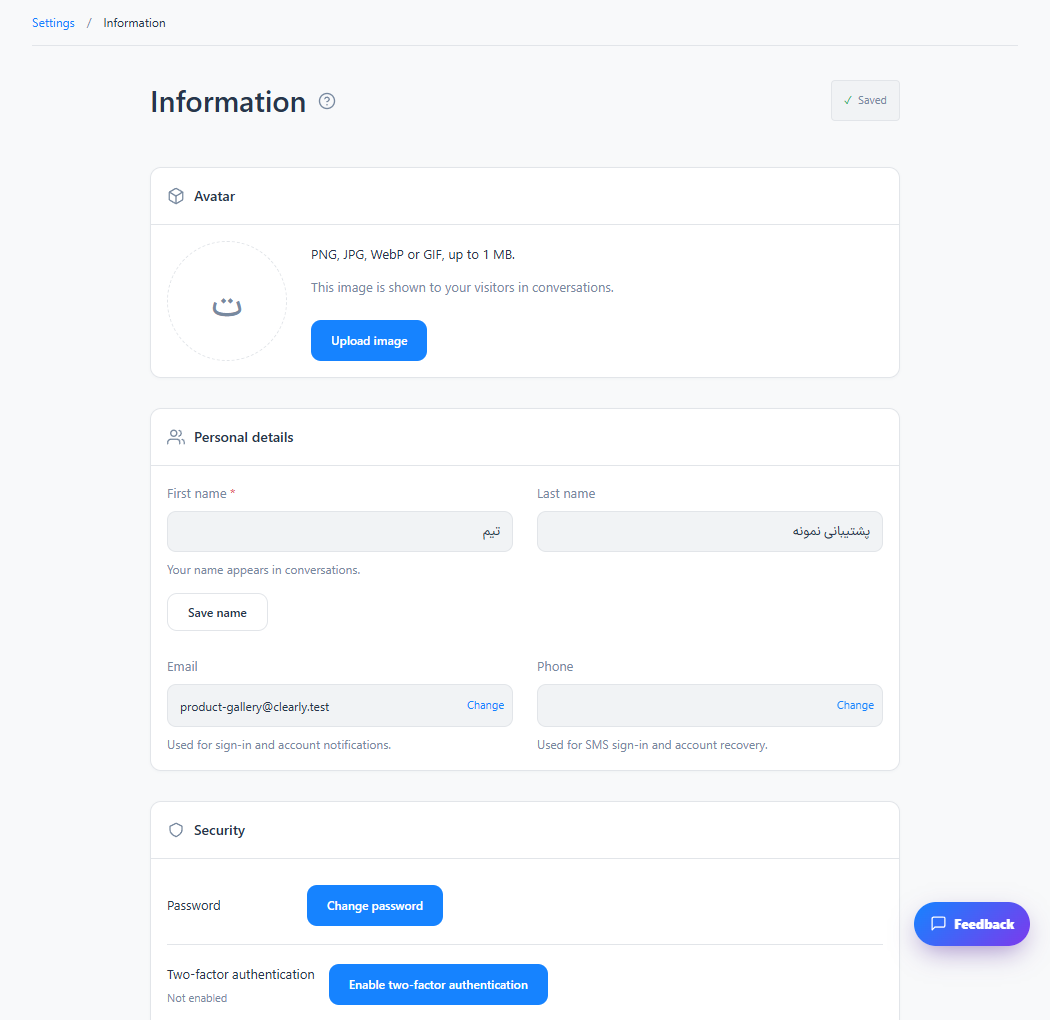
Step 3
Check saved details before purchasing a plan or requesting an invoice.
Check the result
Workspace settings and the account holder’s identity remain consistent.
If something does not work
Personal/company identity is independent of cloud versus private deployment.
Contact support