
Where to start
Settings → Account → My account
For panel settings, sign in to the intended workspace with a role that has access to that section. Available tools depend on your plan and configured services.
Step 1
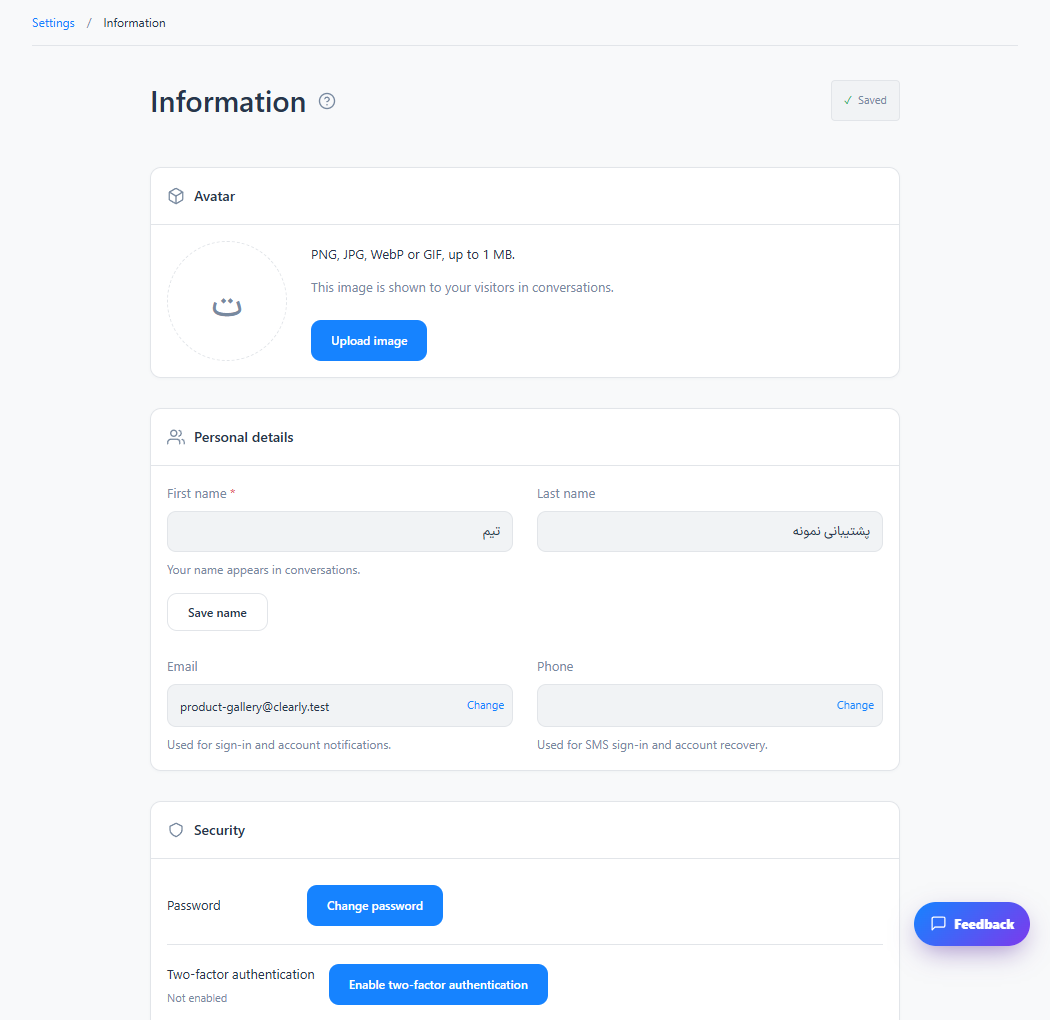
Update your avatar and personal details. Review which information can be shown to visitors.
Step 2
Use Change password with your current password and a new, unique password.
Step 3
Enable the available two-factor authentication option and complete its setup before signing out.
Check the result
Your profile and enabled security settings are saved for your account.
If something does not work
Keep recovery information private and verify your mobile number when the system requests it.
Contact support