
Where to start
Main menu → Live visitors
For panel settings, sign in to the intended workspace with a role that has access to that section. Available tools depend on your plan and configured services.
Step 1
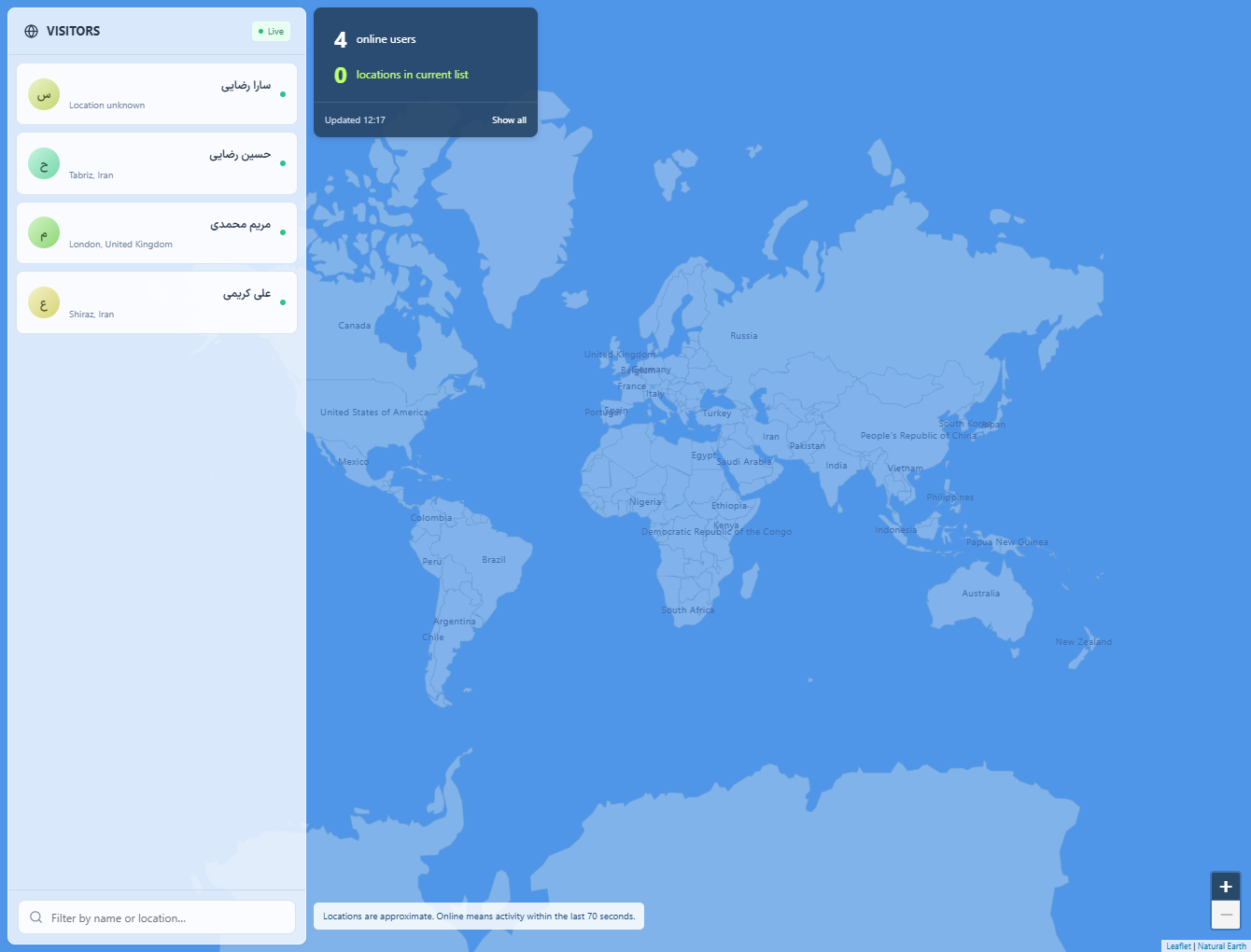
Open the live visitor list and review the current page and available visitor details.
Step 2
Select a visitor and use the message action to write a relevant greeting.
Step 3
Send the message only when appropriate, then continue replies from Conversations.
Check the result
A visitor can respond through the installed widget.
If something does not work
Presence reflects the visitor session and network updates; closing the page can change availability.
Contact support