
Where to start
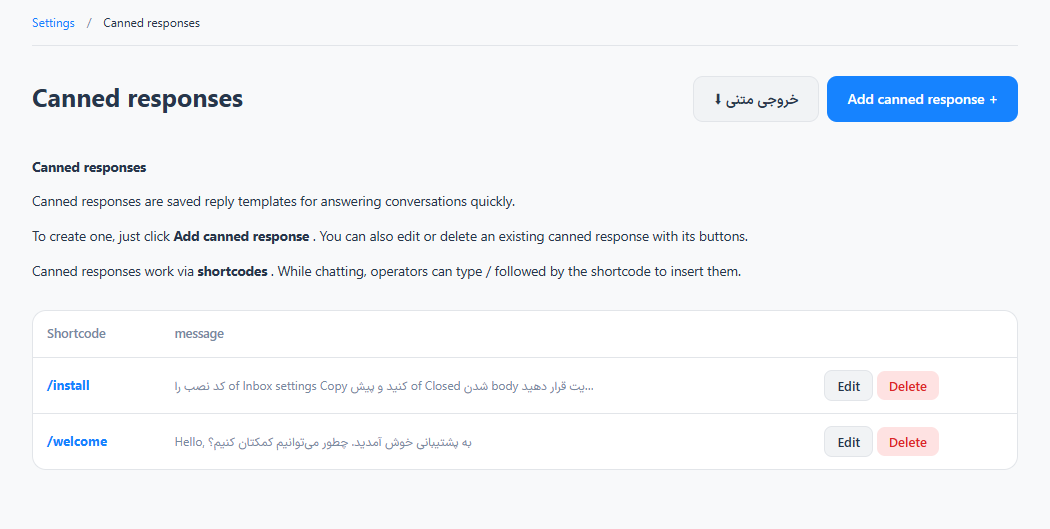
Settings → Chatbox and inboxes → Canned responses
For panel settings, sign in to the intended workspace with a role that has access to that section. Available tools depend on your plan and configured services.
Step 1
Add a response with a short, memorable shortcut and a reusable answer.
Step 2
Save it and return to a conversation. Type / in the composer to find the response.
Step 3
Insert the response, adapt names or details for the customer, and review it before sending.
Check the result
Operators can reuse consistent answers without retyping them.
If something does not work
Check the selected workspace and inbox, your access role and the save confirmation. Reload the page to confirm the saved state. If the issue continues, contact support with the page name and error text.
Contact support