
Where to start
Website → Sign in
For panel settings, sign in to the intended workspace with a role that has access to that section. Available tools depend on your plan and configured services.
Step 1
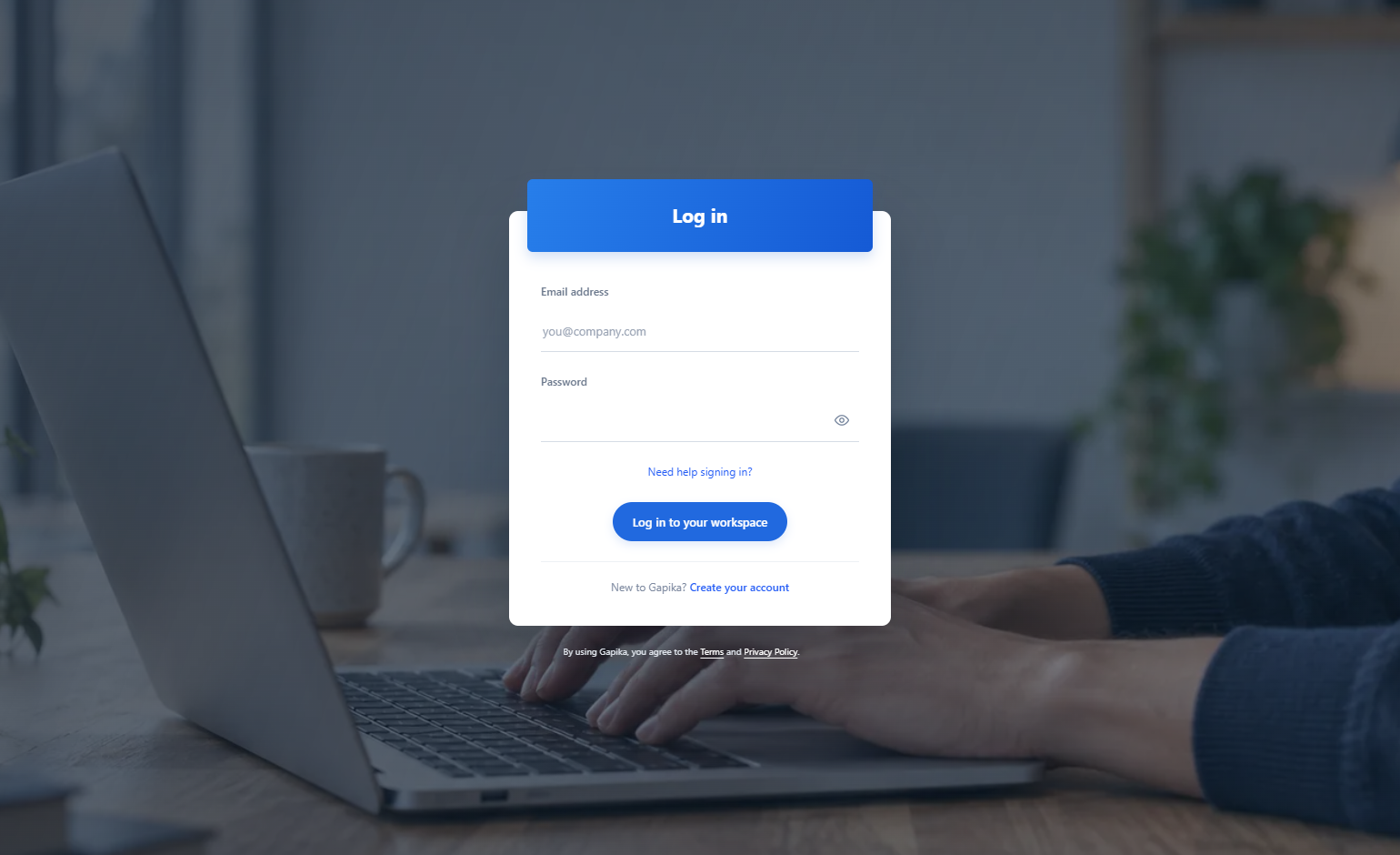
Enter the email and password used when you registered. You can change the page language before signing in.
Step 2
If a second verification step appears, complete it with your configured verification method.
Step 3
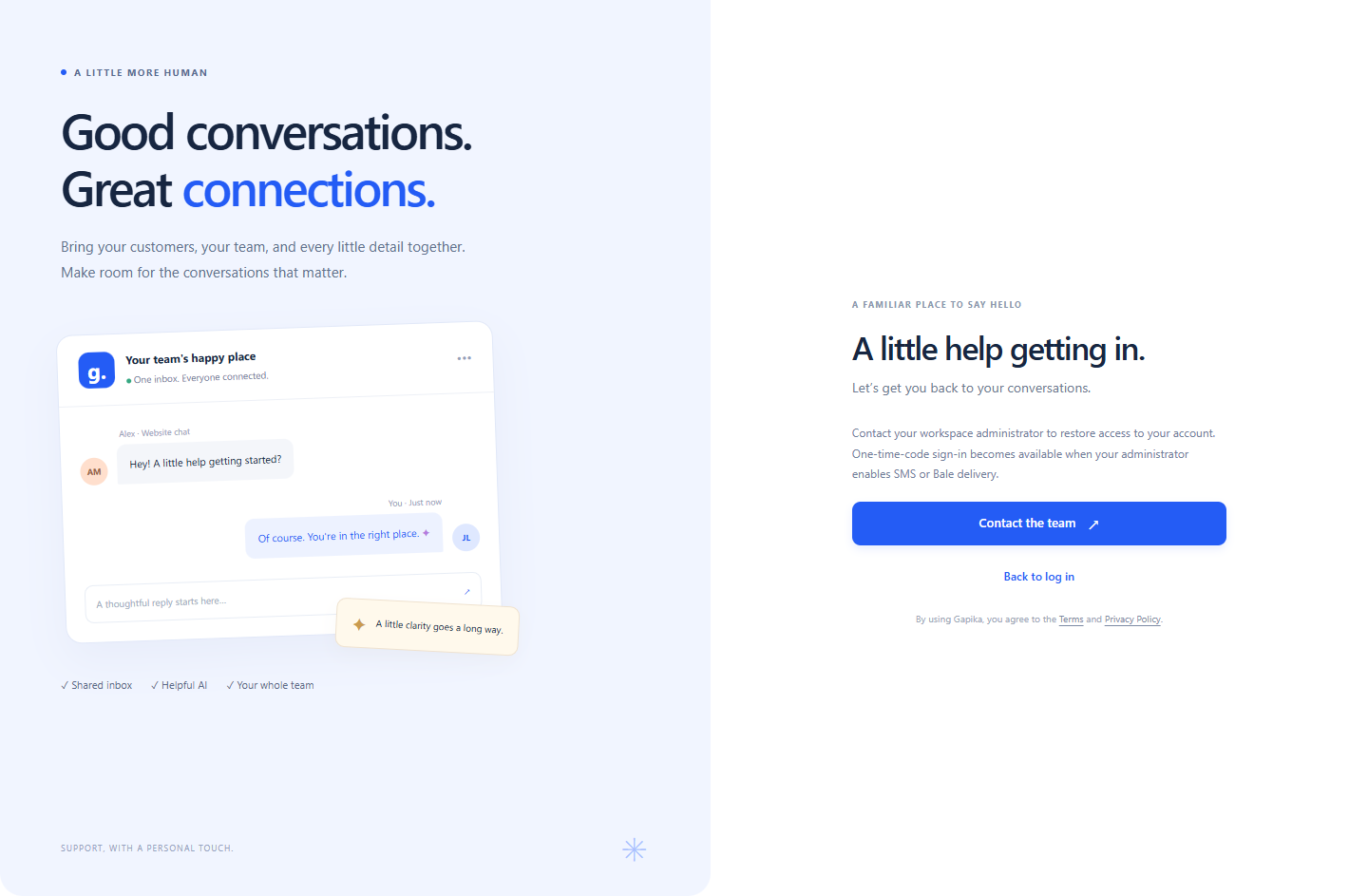
If you cannot sign in, use the recovery link below the password field and follow the available recovery method.
Check the result
You arrive at your workspace without creating another account.
If something does not work
Recovery depends on the configured email or SMS service. If no code arrives, check spam, the entered address and service availability with the administrator.
Contact support