
Where to start
Setup & Integrations → WhatsApp
For panel settings, sign in to the intended workspace with a role that has access to that section. Available tools depend on your plan and configured services.
Step 1
Select the target inbox in the popup and find its WhatsApp connection section.
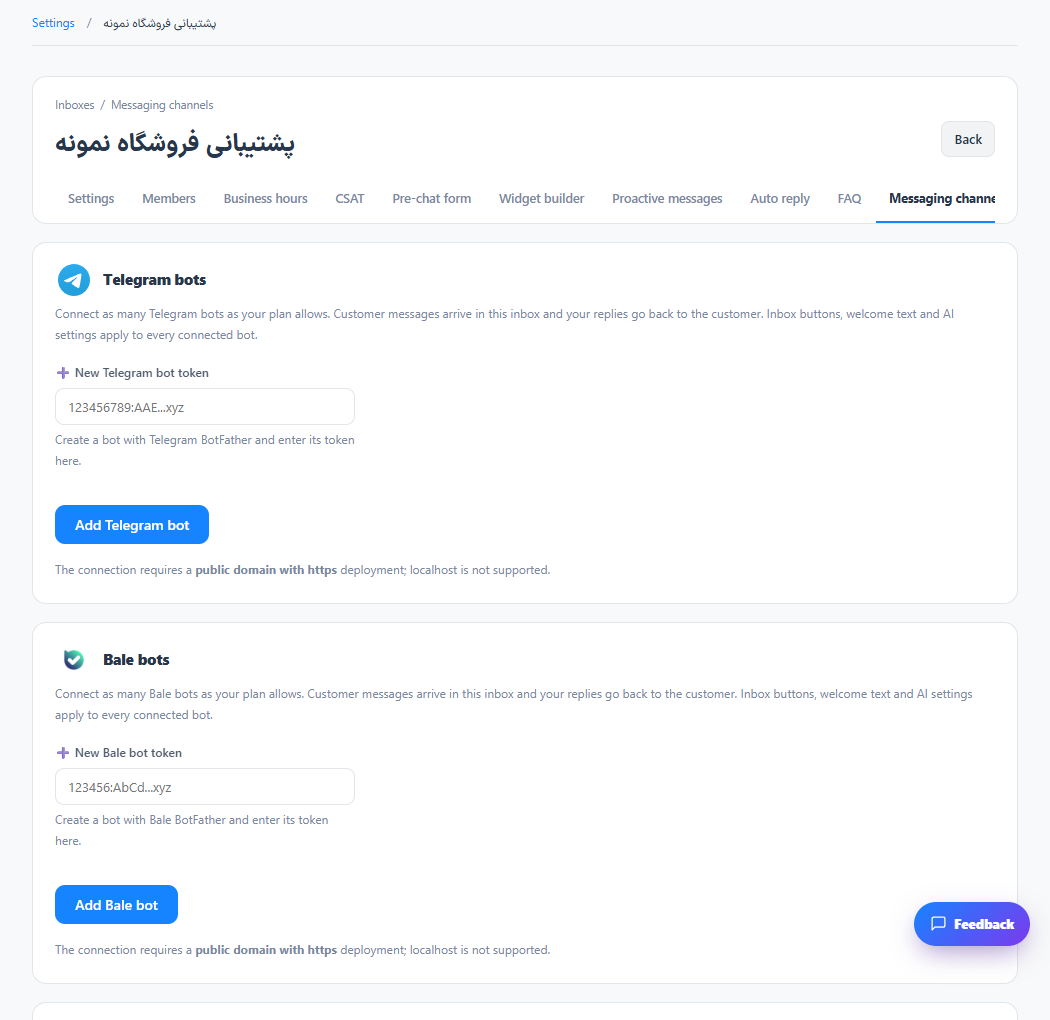
Step 2
Start the available connection flow and follow the pairing instructions shown by the configured WhatsApp service.
Step 3
Wait for the connected state, then test receiving and replying with a separate WhatsApp account.
Check the result
The connected session can deliver supported WhatsApp conversations to the inbox.
If something does not work
The WhatsApp gateway must be configured and reachable. The installation dialog alone does not activate a provider connection.
Contact support