
Target a page or section
Set a URL fragment to match the visitor's page, or leave it empty to make the invitation available across pages.
Configure a message invitation for selected pages and a chosen delay. Manage delayed automatic replies separately when a conversation needs a follow-up.
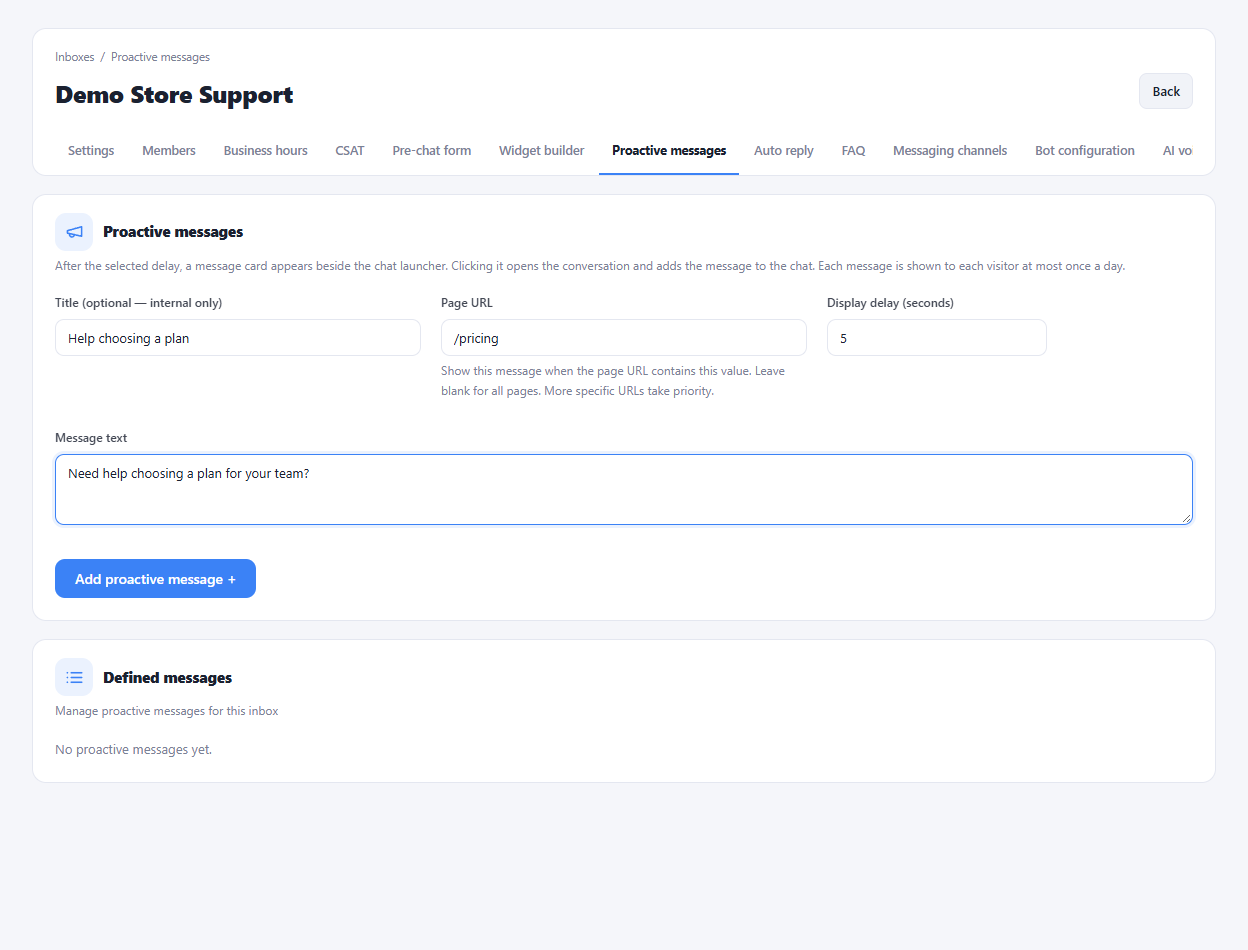
Set a URL fragment to match the visitor's page, or leave it empty to make the invitation available across pages.
Set the display delay and write the message the visitor will see beside the chat launcher.
Use the separate automatic-reply settings to define messages for the configured delay conditions.
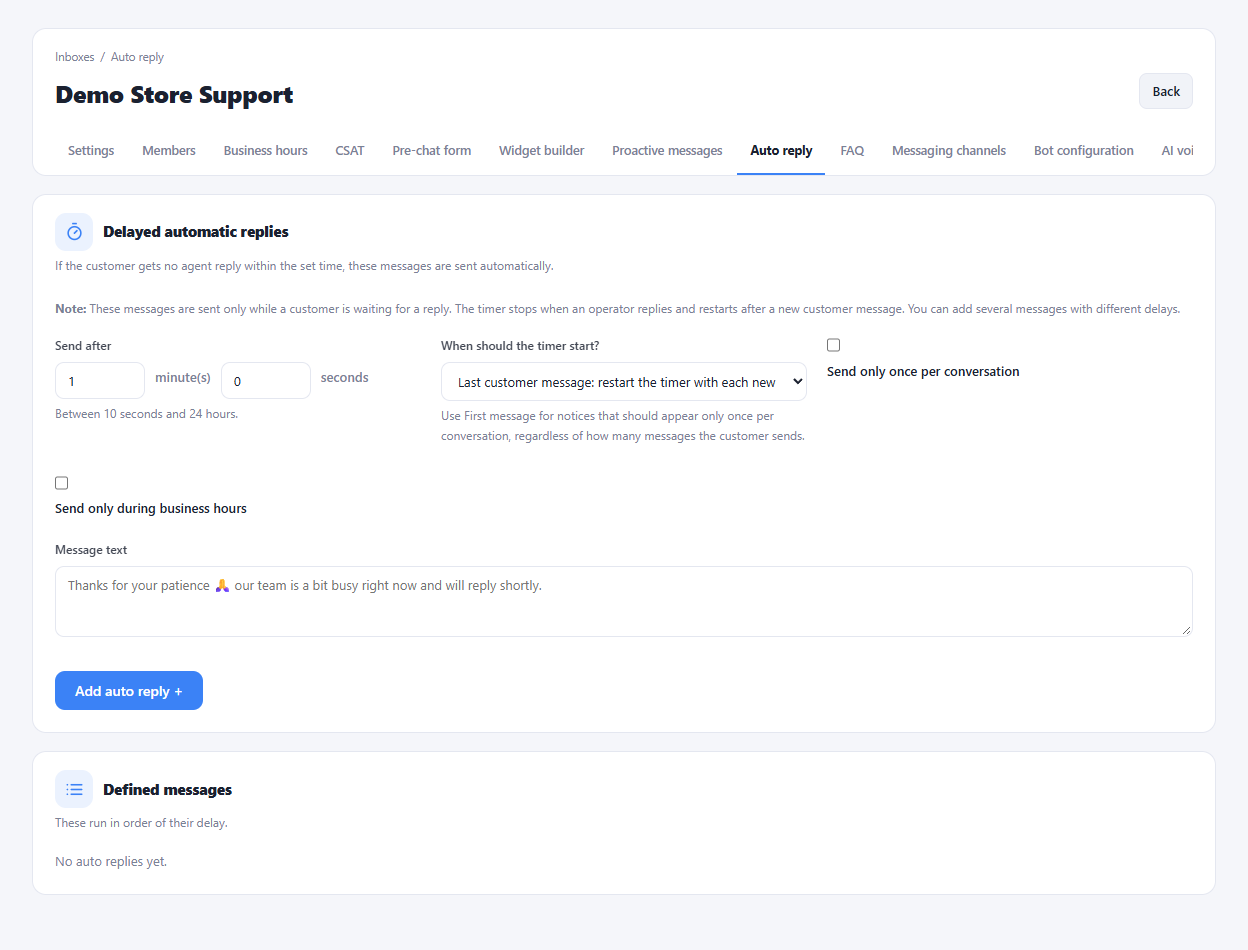
Choose a page where visitors commonly need guidance.
Write a short invitation and choose its display delay.
Check the message on that page before enabling your final setup.
Yes. Enter the relevant page path in the invitation's URL matching field and choose the desired delay.
Enlarge the product screenshots on this page or explore the interactive workspace demo. The demo uses local sample data; plan availability is listed on the pricing page.
Explore the workspace demoCompare the available plans and decide which capacities your support team needs.