
Teams around the work
Create named teams for support responsibilities and manage their available assignment settings.
Organize operators into teams, manage inbox membership and use internal notes to make handoffs easier to follow.
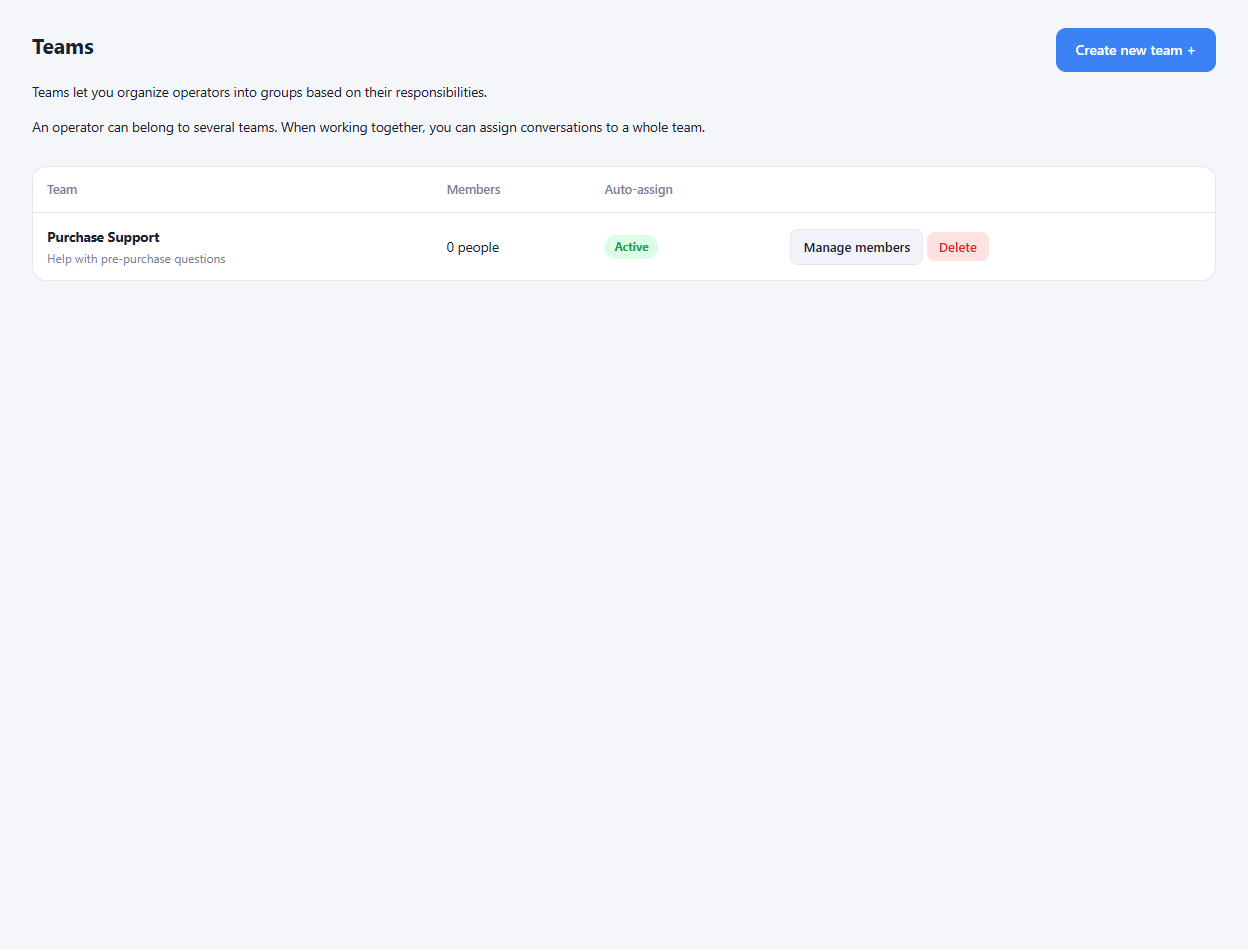
Create named teams for support responsibilities and manage their available assignment settings.
Choose which colleagues belong to an inbox and control their participation in automatic assignment.
Assign the conversation, set its priority and leave an internal note so the next person can understand the next step.
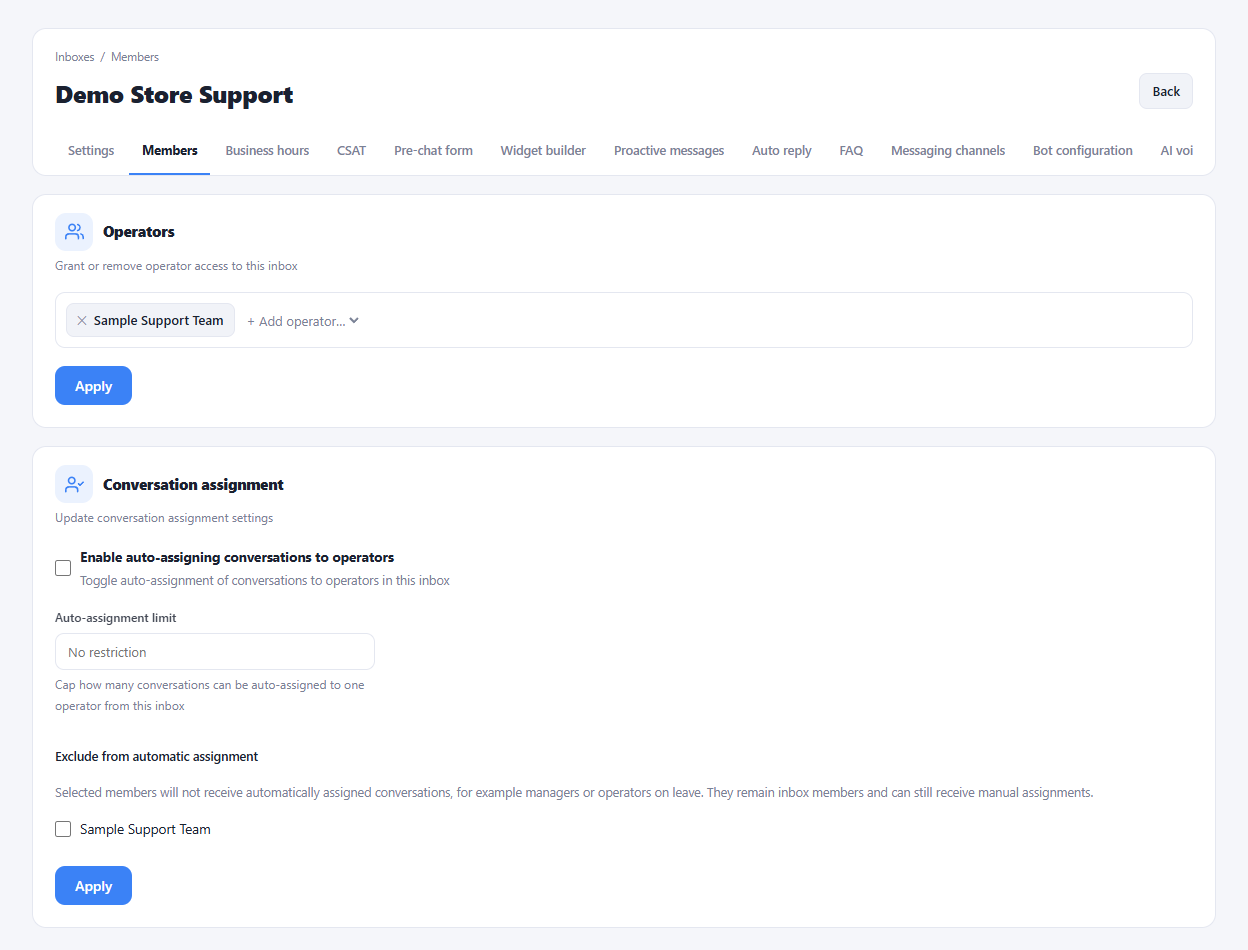
Add operators and create teams that match your responsibilities.
Set inbox membership and assignment preferences.
Use ownership, priorities and notes in daily conversations.
Yes. Inbox membership settings include participation in automatic assignment, separately from membership itself.
Enlarge the product screenshots on this page or explore the interactive workspace demo. The demo uses local sample data; plan availability is listed on the pricing page.
Explore the workspace demoCompare the available plans and decide which capacities your support team needs.