
Usage in context
The usage workspace brings together the available token and credit calculations and their transaction history.
Review AI credit, token calculations and account invoices from the panel. Use the plan page to compare the capacities and options available to your workspace.
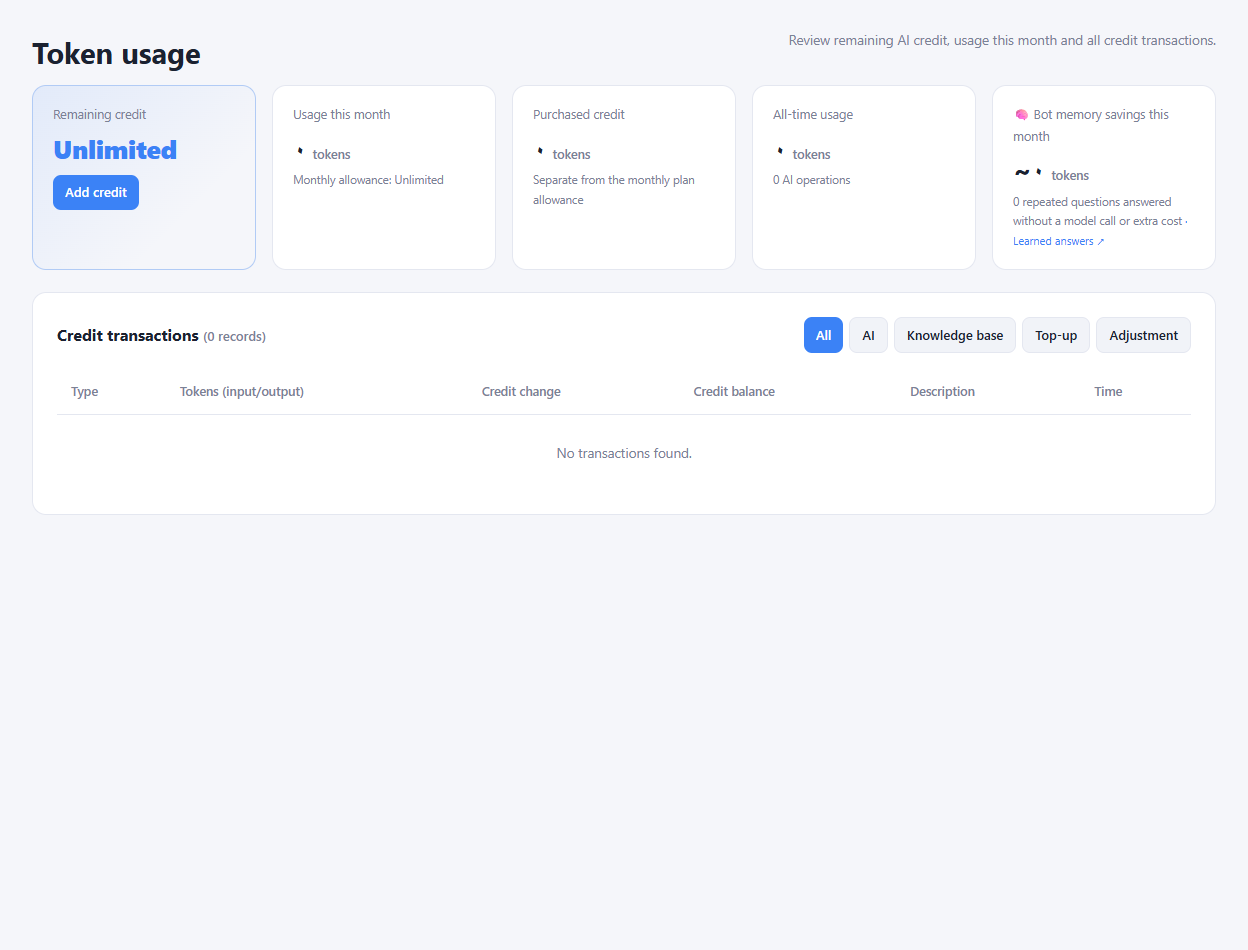
The usage workspace brings together the available token and credit calculations and their transaction history.
Review invoice amounts and payment status, then open an invoice for its available details and payment actions.
Check plan capacities, billing periods and feature availability before choosing an upgrade.
Check the current subscription and the capacities your team needs.
Review credit and usage before enabling additional AI activity.
Use the invoice details to follow payment or renewal.
They are managed through separate plan and credit settings. Review the selected plan and the usage page for what is included in your account.
Enlarge the product screenshots on this page or explore the interactive workspace demo. The demo uses local sample data; plan availability is listed on the pricing page.
Explore the workspace demoCompare the available plans and decide which capacities your support team needs.