
Details in one profile
Review and update the contact's name, email, phone and available custom fields from the profile.
Build a clearer picture of each contact using their details, labels, notes and conversation history. Your team can find the context again when the customer returns.
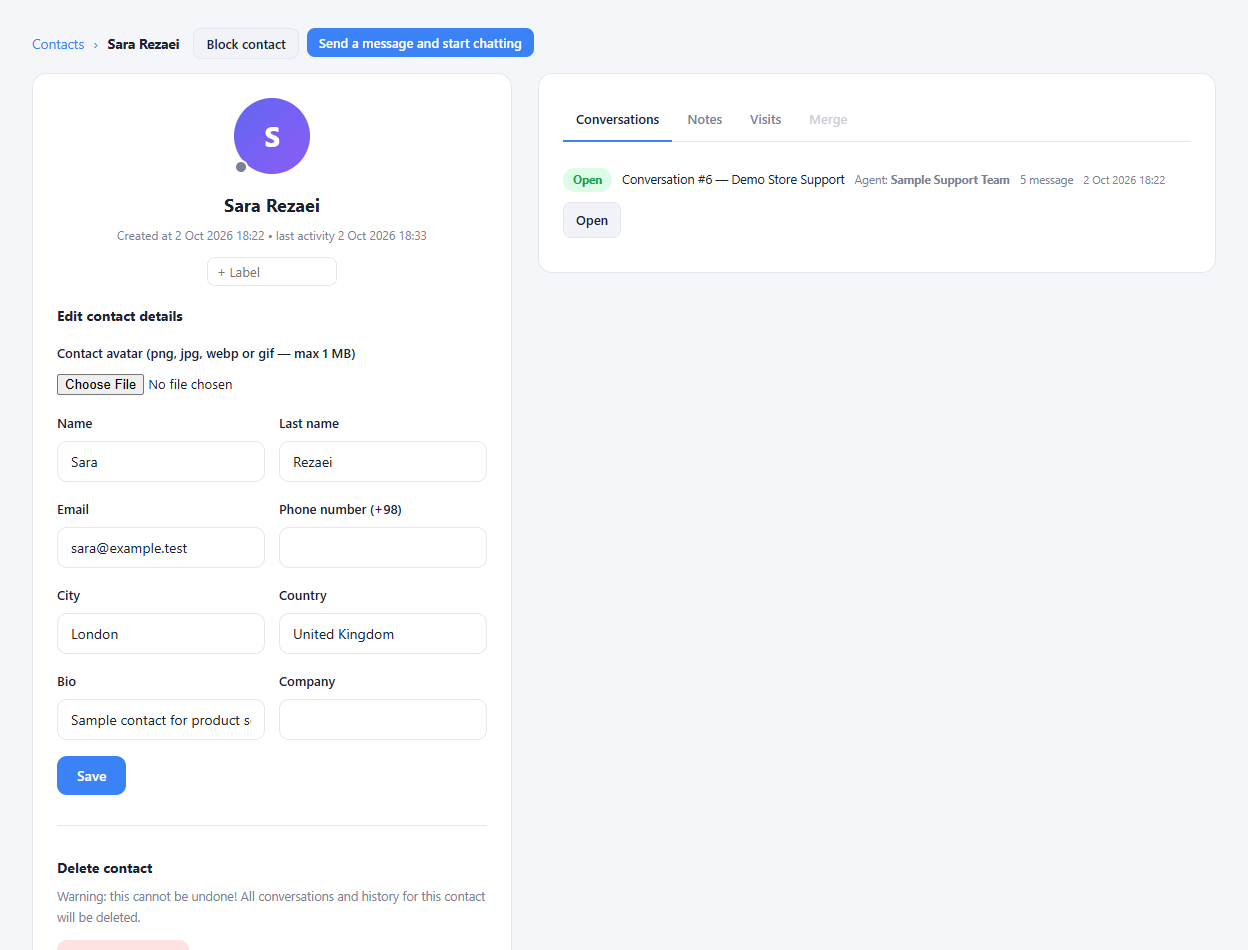
Review and update the contact's name, email, phone and available custom fields from the profile.
Organize contacts with labels and add notes that help colleagues understand previous requests or follow-up needs.
Open earlier conversations from the contact context instead of asking the customer to repeat everything.
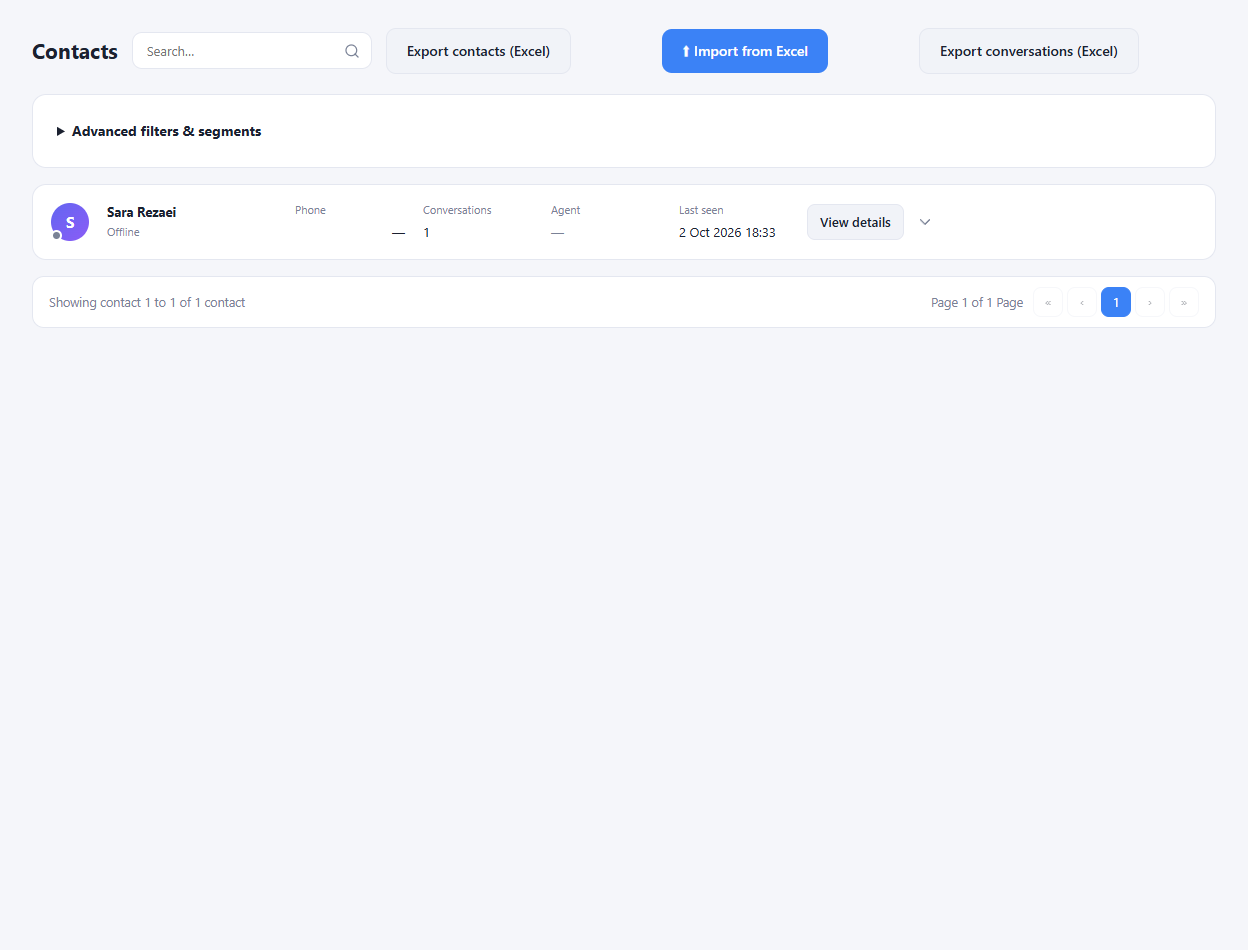
Find the contact from the directory or a conversation.
Review the available details and update labels or notes.
Use the conversation history to plan the next follow-up.
Yes. Internal notes let the team record follow-up context without sending it as a customer message.
Enlarge the product screenshots on this page or explore the interactive workspace demo. The demo uses local sample data; plan availability is listed on the pricing page.
Explore the workspace demoCompare the available plans and decide which capacities your support team needs.