
A familiar chat experience
Offer text messaging and attachments in a widget that adapts to the visitor's screen. Operators respond from their existing workspace.
Visitors can start a conversation without leaving your website. The widget connects their messages to your support inbox and keeps help articles within reach.
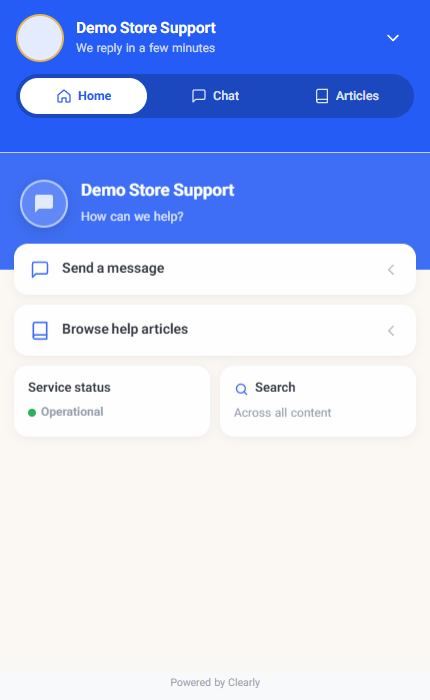
Offer text messaging and attachments in a widget that adapts to the visitor's screen. Operators respond from their existing workspace.
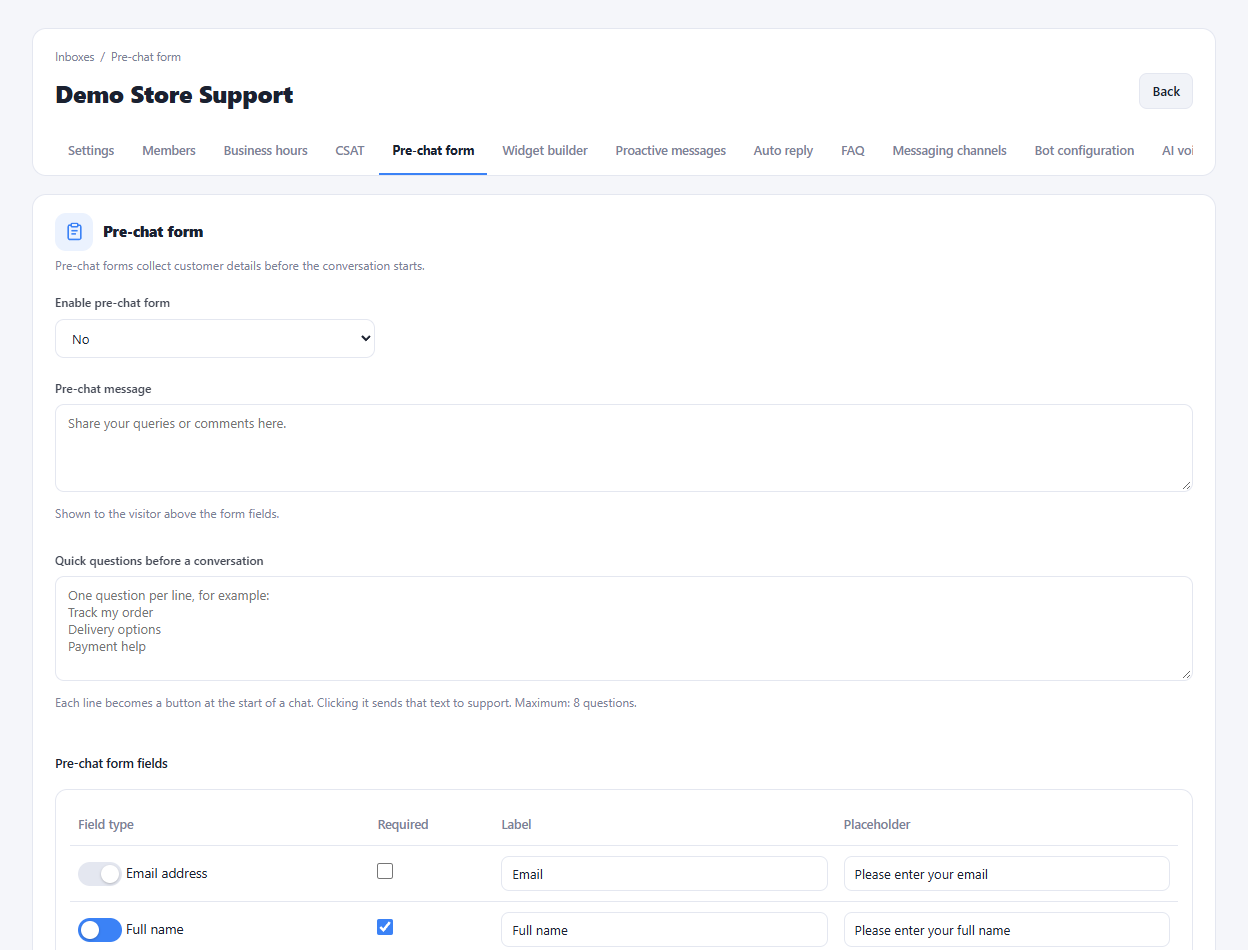
Choose the pre-chat fields and decide which ones are required. Add custom fields when your support process needs more context.
When the offline form is enabled, visitors can leave a message and email address while the team is unavailable.
Create the website inbox and set its allowed domain.
Choose the widget theme, welcome text and pre-chat fields.
Add the installation script to your website and test a conversation.
Yes. Its layout adapts to smaller screens, with a full-screen chat experience when opened through the mobile launcher.
Enlarge the product screenshots on this page or explore the interactive workspace demo. The demo uses local sample data; plan availability is listed on the pricing page.
Explore the workspace demoCompare the available plans and decide which capacities your support team needs.