
Find the busy hours.
Spot recurring peaks in conversation activity and use the weekly heatmap to plan operator shifts.
Understand conversation volume, response times and customer feedback in one reporting workspace. Turn a busy inbox into a clear plan for your team.
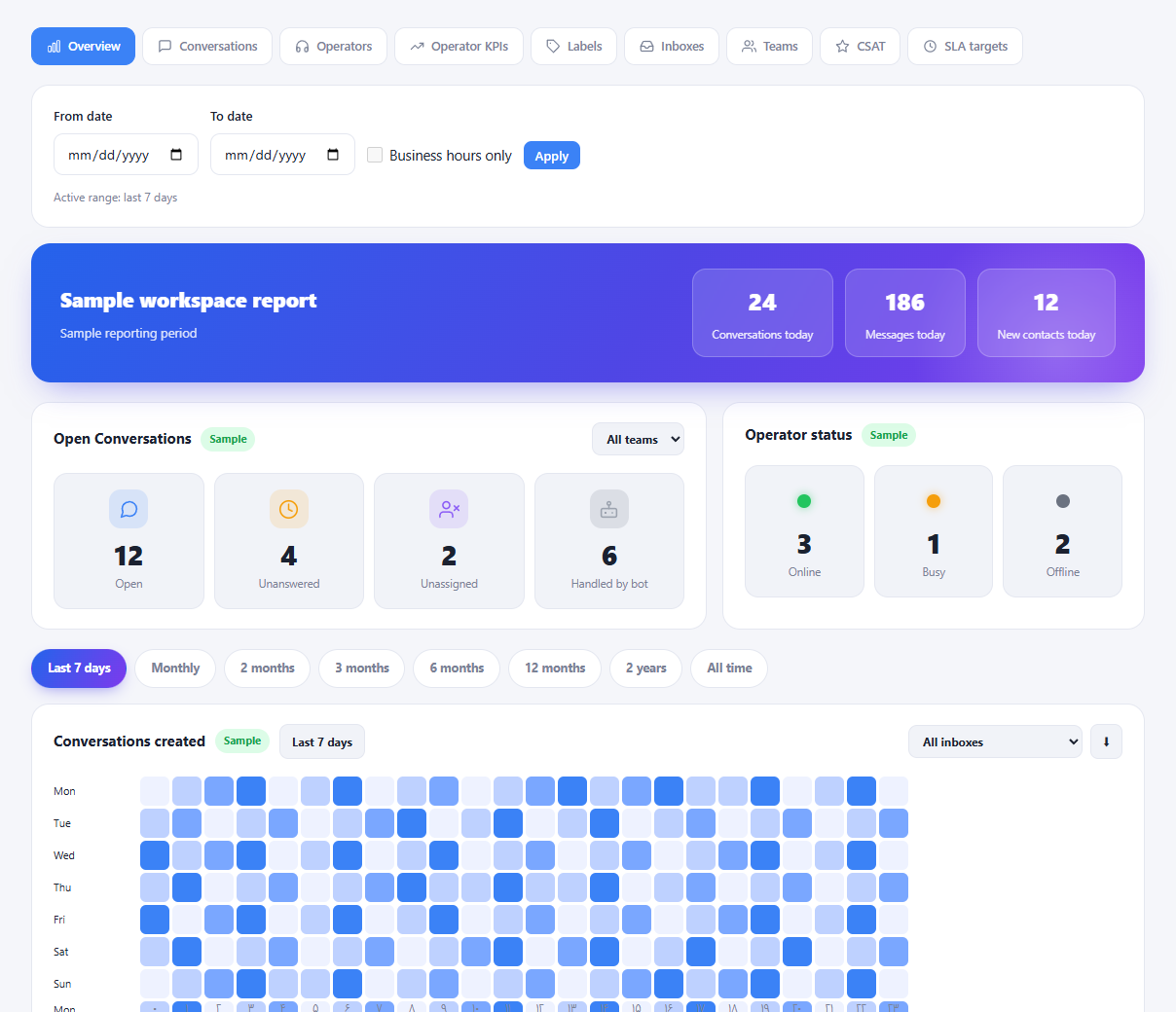
Spot recurring peaks in conversation activity and use the weekly heatmap to plan operator shifts.
Review workload and response metrics by operator, team or inbox before adjusting responsibilities.
Bring customer satisfaction and response commitments into the same conversation about service quality.
Choose a report to see what it helps you understand.
See today's conversations, messages and new contacts alongside open, unanswered and unassigned conversations. Review operator availability before assigning the next task.
Review conversation and message volume across the selected period. Compare first response, subsequent response and resolution metrics to find where customers are waiting.
Review operator activity and KPI reports together. Use response and resolution metrics to guide coaching and distribute work with context.
Explore dedicated reports for inboxes, teams and labels. Identify which queues carry the most work and which topics appear most often.
Review satisfaction ratings received after support interactions. Read the results alongside workload and response metrics to decide what to improve next.
Review SLA performance against the policies configured in your workspace. Track delays and focus attention on conversations that need follow-up.
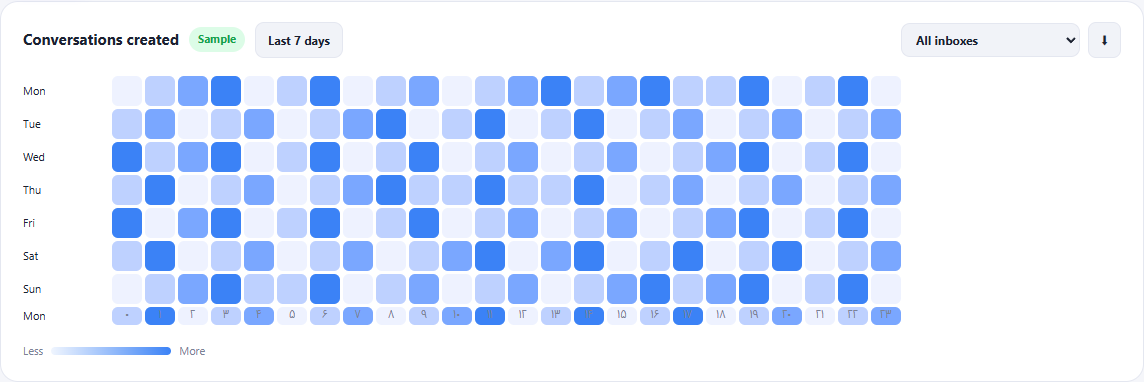
The weekly heatmap makes daily and hourly activity easier to compare. Combine it with inbox and team filters to decide when additional coverage may help.
Business-hour filtering changes time-based metrics. It does not reduce conversation or message counts to business hours.
Start with the last seven days or set the dates you want to review.
Move from the overview to operator, inbox, satisfaction or SLA reports.
Adjust shifts, review unanswered conversations or coach the team using the same shared view.
Explore the workspace and choose the plan that fits your support operation.
Compare plans